38
If you require any technical guidance or find that your product is not operating as intended, a simple solution can often be found in the Troubleshooting section of these instructions,
Standard features
Simple everyday use
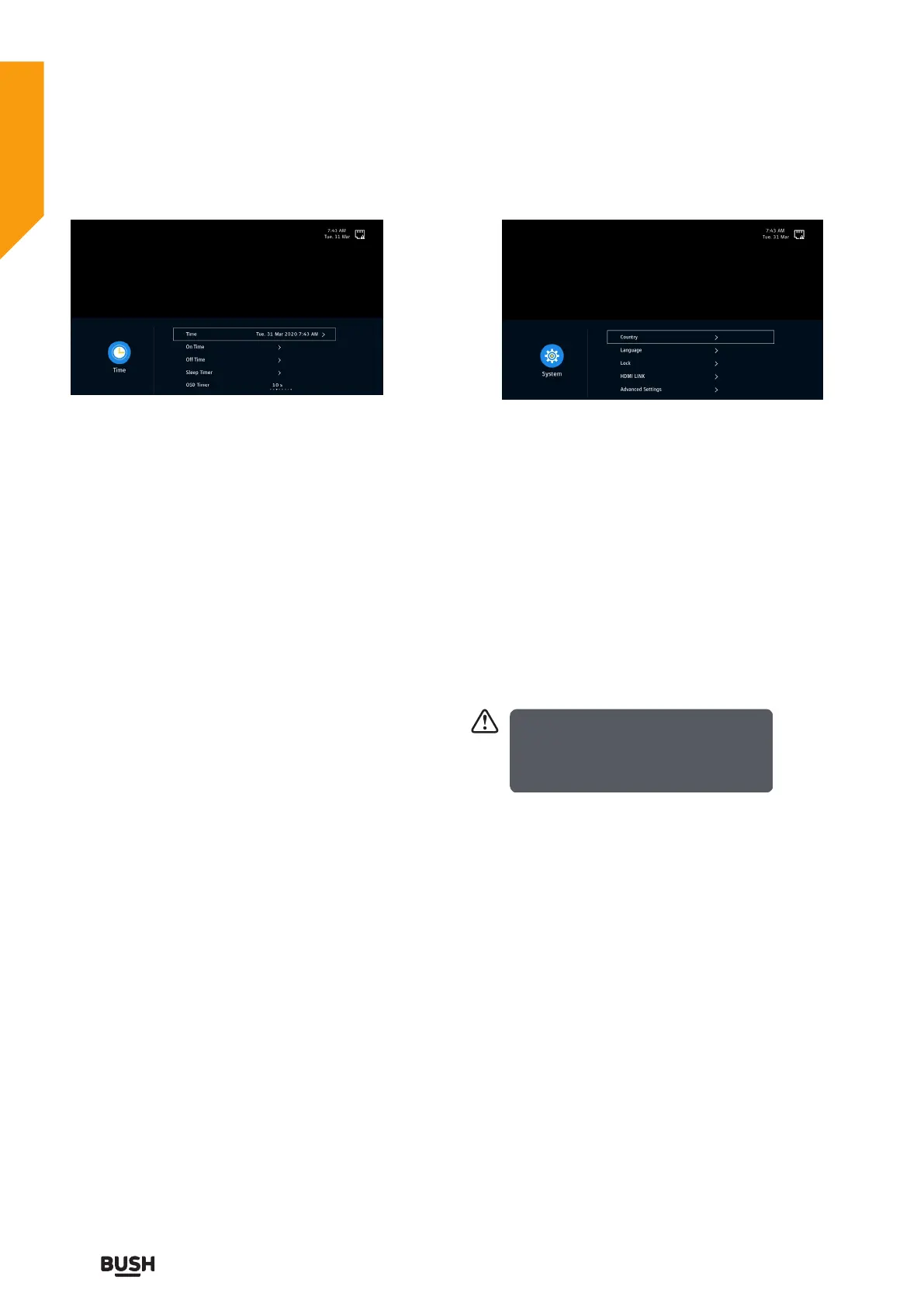
Time
The clock is set automatically when receiving a digital
signal or you can set it manually.
Press the
or OK button to select Auto Sync On or Off.
On: Press the
or OK button to set Time zone
Off: Press the
or OK button to set Date&Time.
On Time
Press the
or OK button to enter On Time menu.
On Time: Set the On Time, Input Source, Digital Channel
Type(DVT mode), Channel, Volume.
Off Time: Set the Off Time.
Sleep Timer
Press the
buttons to select a period of time after
which the TV automatically switches to standby mode:
Off/10/20/30/ 60/ 90/120min.
OSD Timer
Displays time of the on-screen menu:
Never/5/10/15/20/30/60/180s.
Auto Standby
The unit will automatically switch to standby mode
Off/3/4/5 hours after the last time the remote control
was used. If you want to operate the TV for a long period
of time, turn off the auto standby function.
3. Press the EXIT button to exit the menu.
System management
1. Press the MENU button to display the main menu.
Press the
buttons to select System in the main
menu, then press the OK button, it will highlight the first
option.
2. Press the
buttons to change the following
settings.
Country
Selects the country where you will operate the TV. The
default country is set as UK.
Language
Selects your desired language to be displayed on the
menu. The default on-screen menu language is set as
English.
• Menu Language
• Primary Audio Language
• Secondary Audio Language
• Primary Subtitle Language
• Secondary Subtitle Language
Lock
Use the 0-9 buttons to input a 4-digit password to enter
the Lock System menu.
Default password “0000”.
If you change the password, be sure to
remember the new password! If you forget
the new password, press the master
password “4711”.
The Lock must be set to On for this function to operate.
If the Lock System is set to On, a valid password must
be entered when you access Auto Scan / Digital manual
Scan.
• Set Password
Use the 0-9 buttons to input the old password and then
input the new 4-digit password. Re-enter new password
for confirmation.
• Channel Lock
Channel Lock is designed to prevent children watching
unsuitable programmes. When a channel is blocked, a
valid password must be entered.
• Parental Guidance
This function allows you to set up blocking schemes to
block specific channels and ratings. Press the buttons to
select an age rating: Off, 4-18.
HDMI LINK
Press the
or OK button to select On or Off.
When HDMI LINK on, you can set Device Auto Power
Off, TV Auto Power on, HDMI ARC, Detect.
Standard features



 To Next Page