40
If you require any technical guidance or find that your product is not operating as intended, a simple solution can often be found in the Troubleshooting section of these instructions,
Standard features
Simple everyday use
5. Press the EXIT button to return to the previous menu.
Viewing Movies
1. Press the INPUT button on the remote control then
press the
buttons to MEDIA and then press the
OK button.
2. Press the
buttons to select Movies and then
press the OK button.
3. Press the
buttons to select the movie file and
then press the OK button.
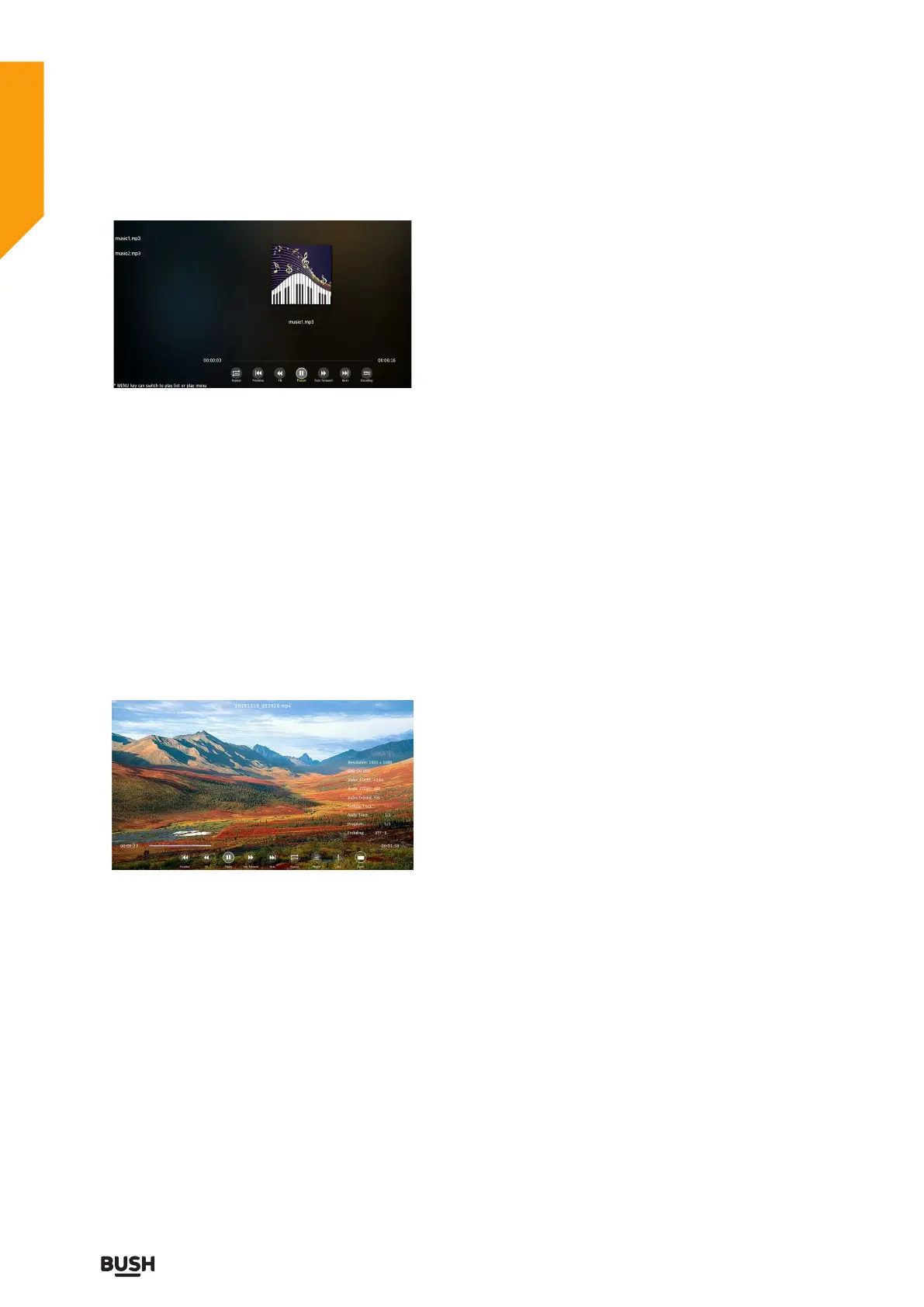
4. Press the MENU button to display the function bar:
Previous/FB /Pause(Play) / FF / Next / Repeat / Playlist/
Info/ Zoom.
5. Press the EXIT button to return to the previous menu.
Standard features



 To Next Page