48
If you require any technical guidance or find that your product is not operating as intended, a simple solution can often be found in the Troubleshooting section of these instructions,
Audio
GERMAN
FRENCH
ENGLISN
PORTUGUESE
ITALIAN
DUTCH
SPANISH
AUDIO LANG
SUBTITLE LANG
MENU LANGUAGE
PASSWORD
PARENTAL
DEFAULT
TV TYPE
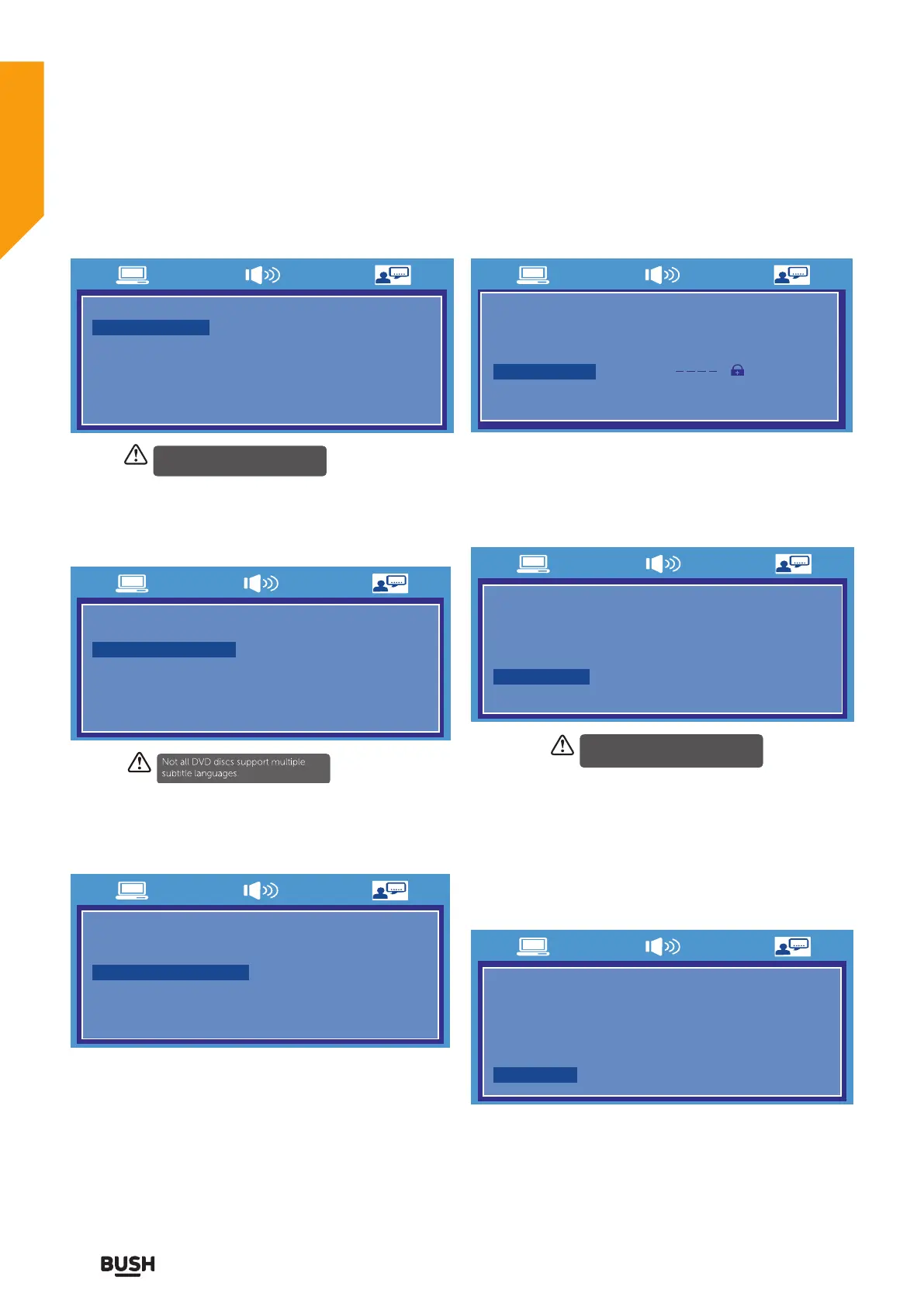
Set the Audio language to your language of choice.
Subtitle
GERMAN
FRENCH
ENGLISN
PORTUGUESE
ITALIAN
DUTCH
SPANISH
AUDIO LANG
SUBTITLE LANG
MENU LANGUAGE
PASSWORD
PARENTAL
DEFAULT
TV TYPE
Select the Subtitle language.
Disc menu
GERMAN
FRENCH
ENGLISN
PORTUGUESE
ITALIAN
DUTCH
SPANISH
AUDIO LANG
SUBTITLE LANG
MENU LANGUAGE
PASSWORD
PARENTAL
DEFAULT
TV TYPE
Select the Disc Menu language.
Password
AUDIO LANG
SUBTITLE LANG
MENU LANGUAGE
PASSWORD
PARENTAL
DEFAULT
TV TYPE
Select Password in the Preference page menu. (Default
password is 8888).
Parental
3 PG
4 PG13
2 G
6 R
7 NC-17
8 ADUL T
5 PG-R
AUDIO LANG
SUBTITLE LANG
MENU LANGUAGE
PASSWORD
PARENTAL
DEFAULT
TV TYPE 1 KID SAFE
Allows the user to set a maximum rating level for a
movie that can be played (e.g. PG rating). Movies rated
higher than the level set will not be played. The parental
lock can only be changed after inputting the correct
password.
Default
RESET
AUDIO LANG
SUBTITLE LANG
MENU LANGUAGE
PASSWORD
PARENTAL
DEFAULT
TV TYPE
Choose this option to resume all the setup options to
default settings.
Using the DVD Features
Let’s get started
Not all DVD discs support multiple
audio languages.
This function is available only when the
discs have ratings encoded on them.
Using the DVD Features



 To Next Page