C-MAX’s Vigo Depth Relay software is run on the same PC as Sailfish and performs the following
functions:
1. Watch a folder for new profile files downloaded by Sailfish from the profiler.
2. Parse the file and extract the maximum depth value from the data.
3. Send this information in the correct format over the network to the Vigo.
3.9.1 Configuring AML Sailfish
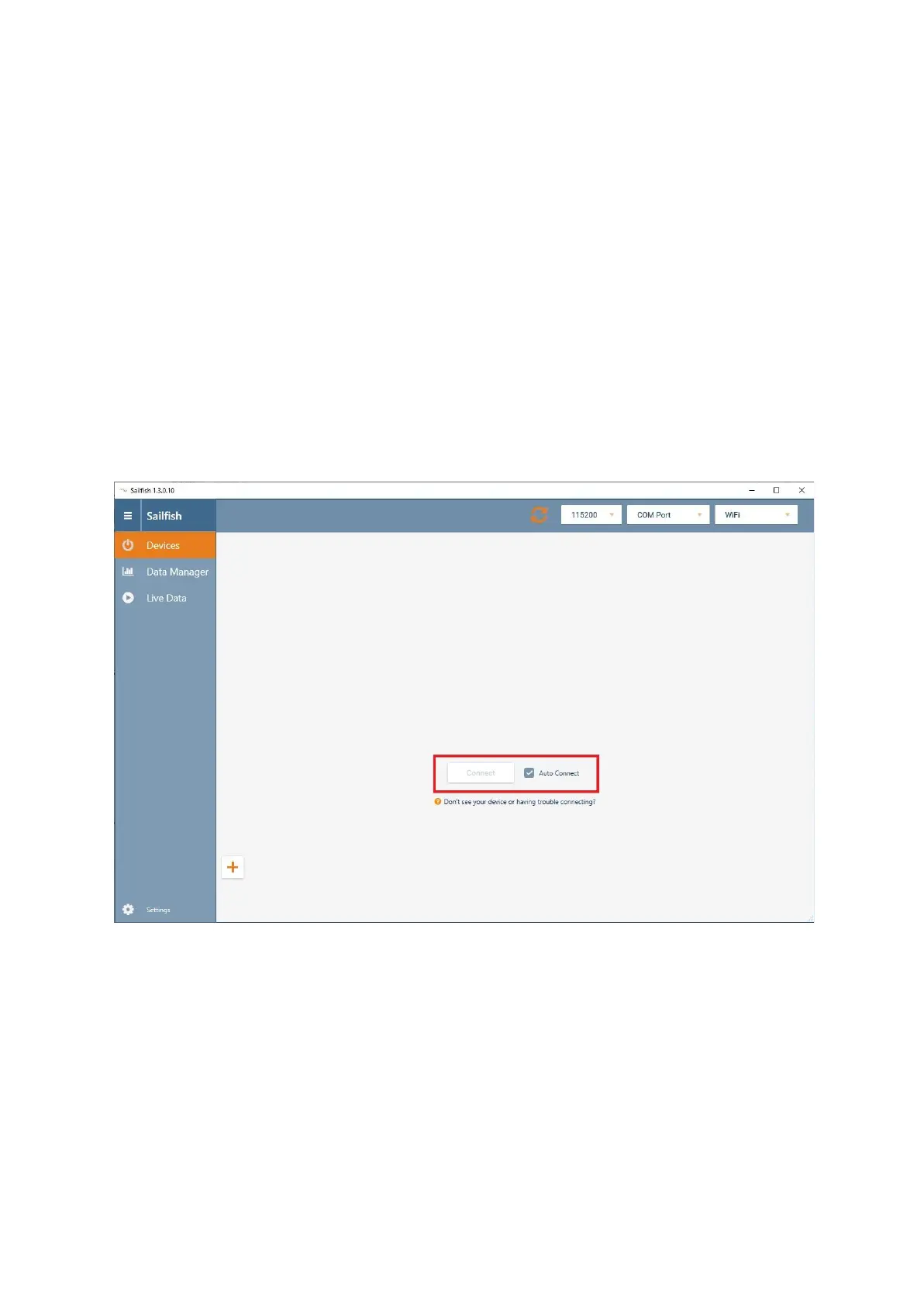
AML’s Sailfish software should be configured to automatically connect to a detected profiler and
automatically download log files. The operator should take a note of the ‘download folder’ location as
this will be required when configuring the Vigo Depth Relay software in the next step.



 To Next Page