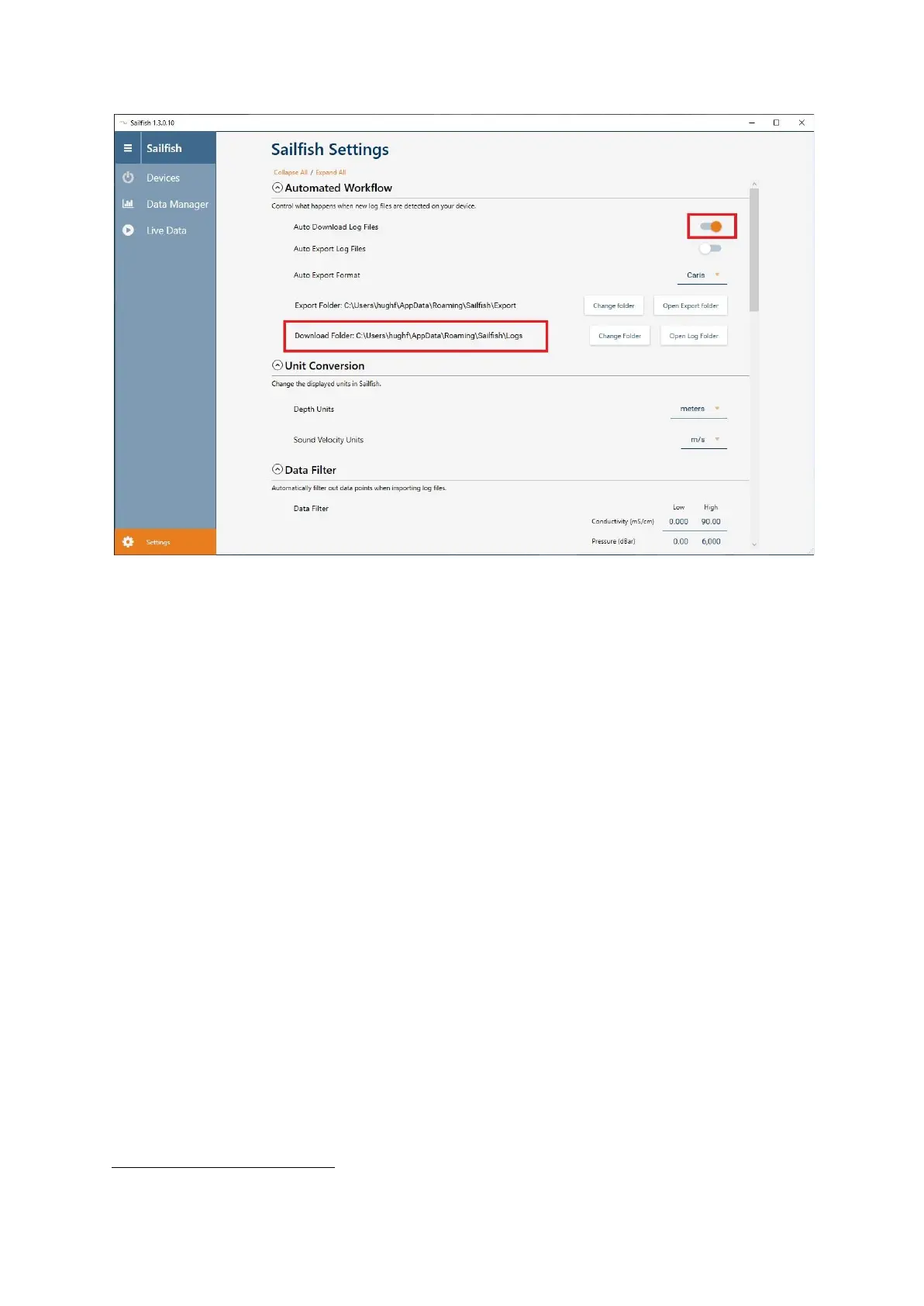
Configuring AML Sailfish software to operate in automatic mode
3.9.2 Configuring Vigo Depth Relay
Vigo Depth Relay is supplied as a self contained executable file requiring the Microsoft .NET runtime
2
version 5.0 to run. It monitors a specified folder for new files, extracts the depth and broadcasts this
over the survey network in the same manner as Valeport Connect.
Vigo Depth Relay can be used with either AML profilers or older Valeport profilers that do not work
with the latest version of Connect.
Three settings need to be configured before use:
1. The type of profiler being used
2. The folder to watch for new files
3. The network adapter to use to connect to the survey network
2
Please contact C-MAX for download details



 To Next Page