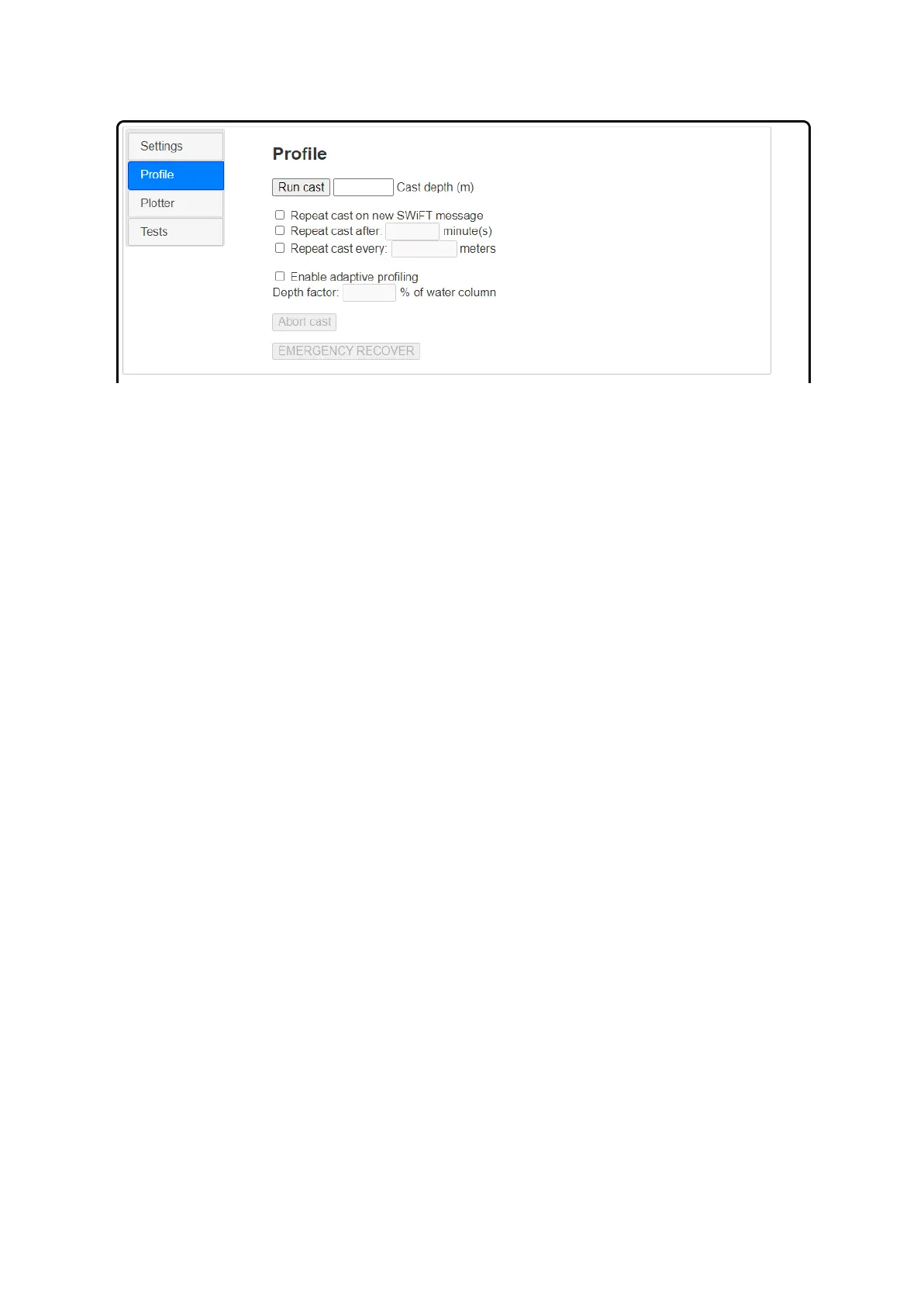
The profile tab displayed to the user
Enter the required depth of this cast and click ‘Run Cast’. This will initiate the following sequence of
events :-
1. The ‘Run Cast’ button and depth field will be disabled.
2. The winch will emit a short sound on its internal klaxon to alert anyone near the winch that it
will be operating. At the same time, the winch beacon will begin to flash.
3. The winch will release the profiler into the water, to descend through the water column, falling
at a known speed.
4. After a pre-calculated time has passed, the winch will stop the rotation of the spool and the
profiler’s descent. It will then automatically recover the profiler back to the surface, to the
data-transfer point.
5. The beacon will be turned off and the brake system will hold the spool to prevent the profiler
from descending. This action reduces the power consumption when the winch is idle.
6. The software will initiate a 45 second timeout. During this period it is expecting to receive a
message from Connect containing information about the previous cast. When a message has
been received, or 45 seconds has elapsed, the software will enable the ‘Run Cast’ button
and the depth field so that another cast can be taken.
When the control message has been received, the ‘Depth’ field in the ‘Cast Info’ pane will be
populated with the depth that the profiler attained on the previous cast.



 To Next Page