25
4 Conguration
Help menu
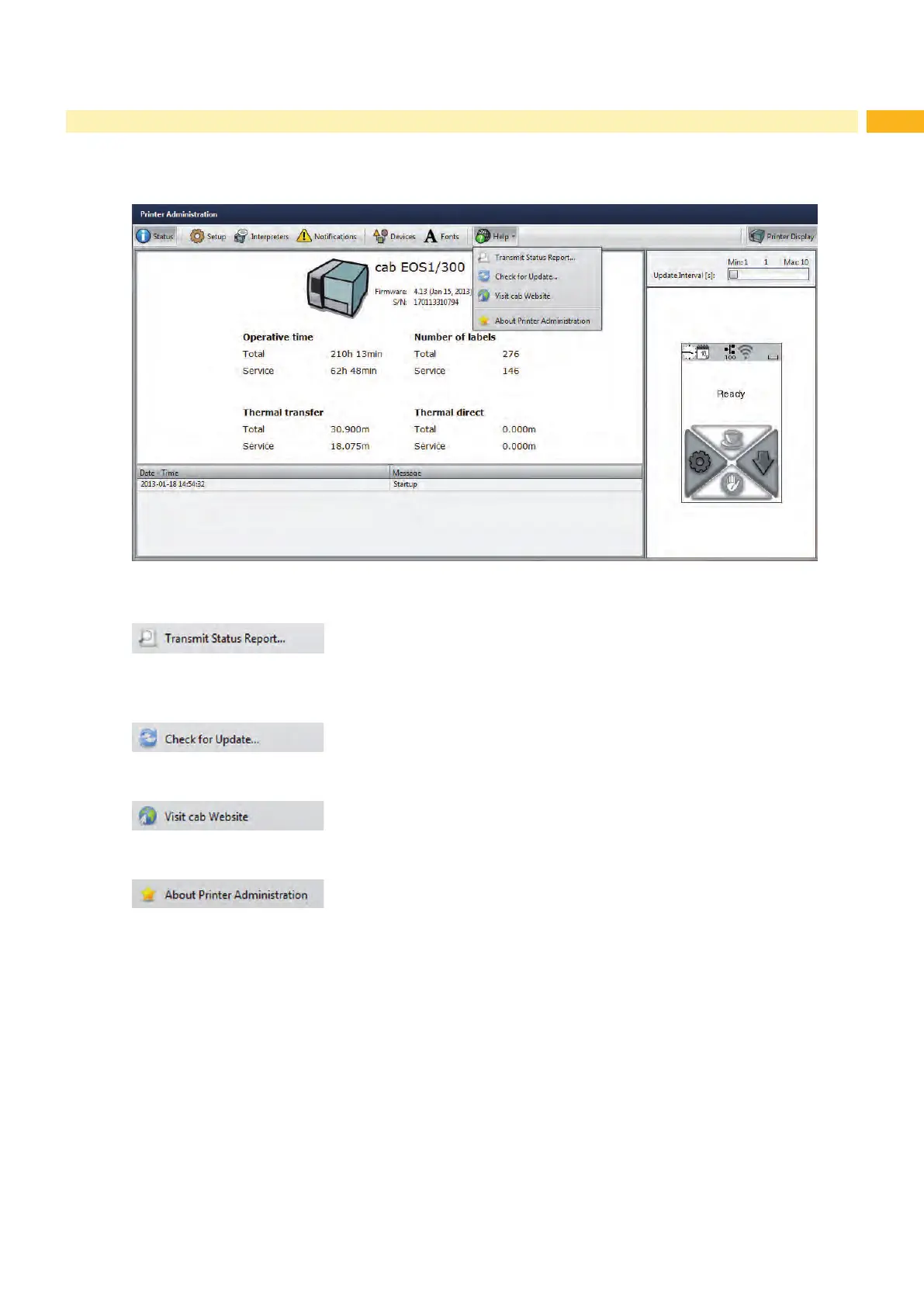
Independent from the chosen tab some help functions can be selected :
Fig. 12 “Help” menu on the web interface
Transmission of a printer status report to the service/support department.
Send the status report after request of the service/support department only.
Check of the rmware version and offer for update.
Visit the cab-Website.
Information about the version and the latest alterations of the web interface.



 To Next Page