10 10
2 Installation
2.2 Unpacking and Setting-up the Printer
Lift the printer out of the box.
Check printer for damage which may have occurred during transport.
Remove foam transportation safeguards near the printhead.
Check delivery for completeness.
Contents of delivery:
• Printer
• Power cable
• USB cable
• Assembly instructions
• DVD with label software, Windows driver and documentation
Note!
Please keep the original packaging in case the printer must be returned.
Attention!
The device and printing materials will be damaged by moisture and wetness.
Set up printers only in dry locations protected from splash water.
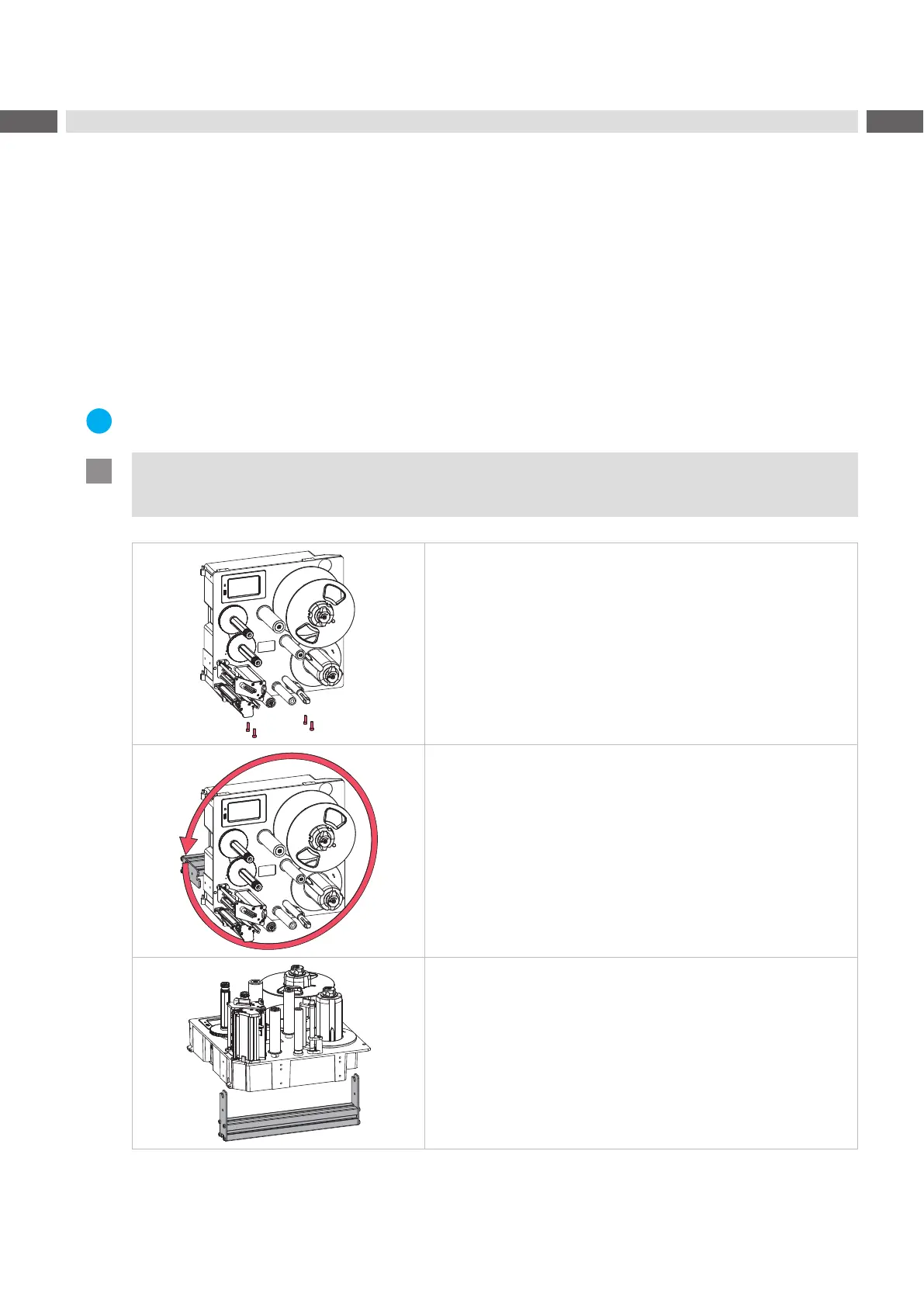
• Fixing at four M6x10 drillings on the bottom side of the chassis
Orientation upright standing only
• Fixing via bracket at each two M6 drillings on both sides of the
chassis
Orientation vertically, turnable by 360 degrees
• Fixing via bracket at each two M6 drillings on both sides of the
chassis
Orientation horizontally, with operator's side up
Table 1 Permitted mounting orientations



 To Next Page
 Loading...










