Page 34 Series 90 Setup Manual
Communication Port
Specifies PC port connected to the tester. The Communication port is selected by clicking the
drop-down list. The Status bar will display the port specified and will display “On-line” if PC
and tester are communicating.
High Precision Cap. Model
Selects if the connected tester is a high precision capacitance model, 5210973-03.
After selecting the Tester Type and the Communication Port, click the OK button and the Tester
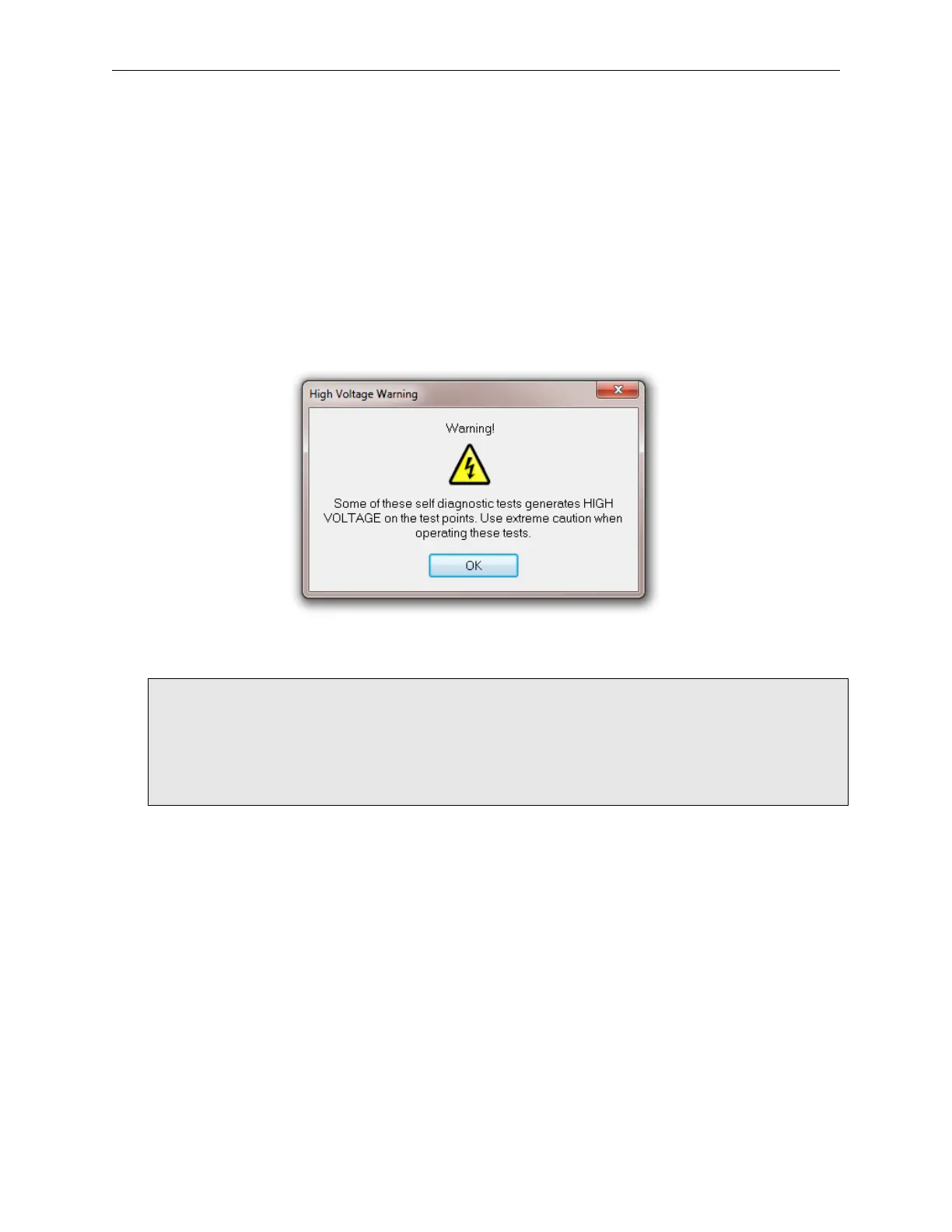
Settings window will close. A warning window will open if the Tester Type was set to Series
90HV.
High Voltage Warning
Caution must be taken when performing diagnostic tests on high voltage
systems. The Series 90 high voltage system generates up to 1500 vdc, and
during testing, applies 1500 vdc to the scanner board connectors. Keep
hands clear of tester while tests are running. Click on the Reset button to
stop the test before making a setup change.



 To Next Page