Rear Seat Infotainment 35
Press y (Menu) to selectAll Strong
Stations, All Stations, Favorites,
Categories, Wired Headphones,
or other RSI functions.
Only one tuner source may be
active at a time.
XM Menu (If Equipped)
Press the
{ (Home) button on the
remote, select RADIO, then
select XM.
Press
y (Menu) to select Channel
List, Categories, Favorites, XM
View, Wired Headphones, or other
RSI functions.
Only one tuner source may be
active at a time.
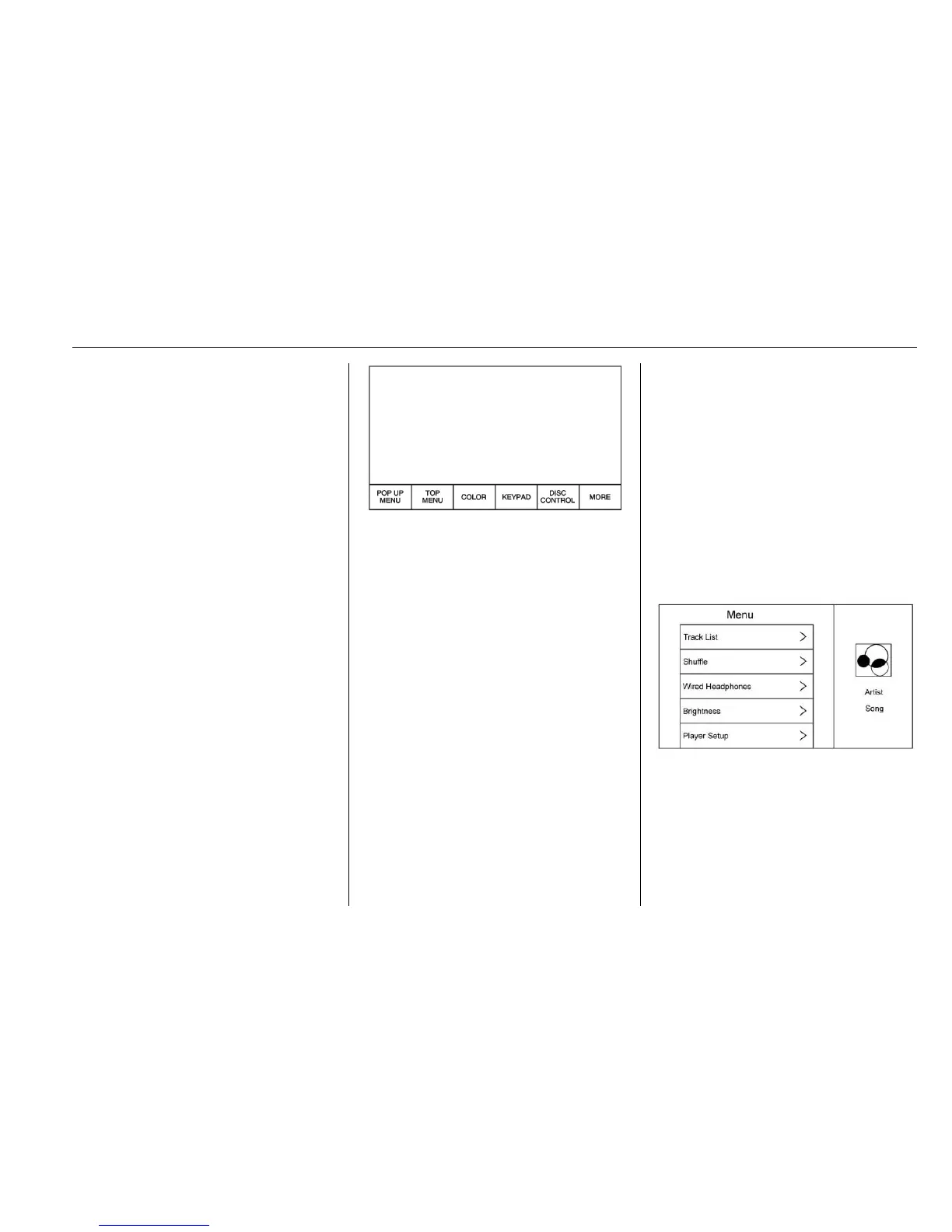
Disc Menu BD
With a Blu-ray disc in the player,
press
{ (Home) on the remote
control and then select BD.
Press y (Menu) on the remote
control once to display menus
based on the media.
.
POP UP MENU (BD Only)
.
TOP MENU
.
COLOR
.
KEYPAD
.
DISC CONTROL
.
Select from: MORE (SETTINGS,
PREVIOUS, NEXT,
STILLS OFF)
To close, press the
y (Menu) button
or wait for the time out.
Disc Menu DVD
Press
y (Menu) on the remote
control once to select from:
.
TOP MENU
.
KEYPAD
.
STOP DISC
.
BACK
.
PHOTO
.
SETTINGS
To close, press
y (Menu), press S
(back), or wait for the time out.
CD Menu
Press y (Menu) on the remote
control once to select from:
.
Track List
.
Shuffle
.
Disc Information (if available)
.
Wired Headphones


 To Next Page
 Loading...