76 Navigation
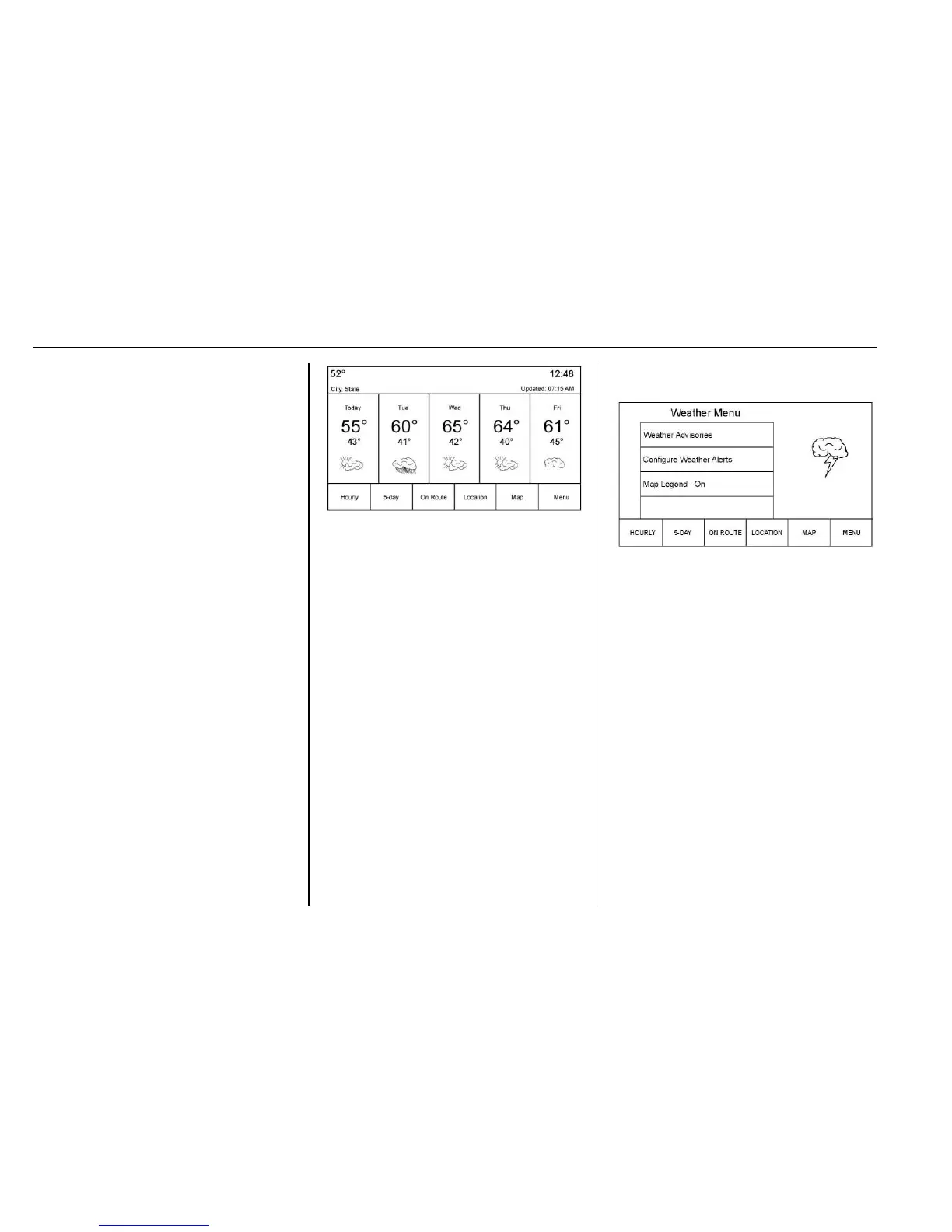
4. Location: The Location view is
where the city can be selected
to receive and display
weather data.
5. Map: The Map view shows
three levels of zoom on the left
side of the map. These zoom
views are Near, Mid, and Far.
Touch any one to change the
zoom level.
6. Menu
Allow approximately 15 minutes for
the current weather in the area to
display.
Weather Screen Not Under
Guidance
The weather application uses the
navigation system to provide the
appropriate information for the
guidance route. When not under
guidance, it defaults to the current
location.
City and State : The city and state
are displayed for the view currently
shown. The default is the current
city and state that the vehicle is in.
Forecast Information
.
The map can be panned to
another location. The forecast
information is updated to the
new location.
.
The city and state update to
reflect the current location.
Location
Under the Location view there are
options to select for displaying the
desired location.
These options are:
1. Search
Touch the Search screen
button to access the keyboard.
The city or zip code can be
typed in. If there is a single
match, the map view returns to
the last known view before
clicking on the location tab.
If there are multiple matches,
there is a list with the possible
choices. Select one to return to
the last known view.






 To Next Page