Cadillac XTS Owner Manual (GMNA-Localizing-MidEast-10292881) - 2017 -
crc - 7/1/16
132 INSTRUMENTS AND CONTROLS
HUD Display on the Vehicle
Windshield
The HUD may display some of the
following vehicle information and
vehicle messages or alerts:
.
Speed
.
Tachometer
.
Audio
.
Phone
.
Navigation
.
Collision Alert
.
Cruise Control
.
Lane Departure
.
Low Fuel
Some vehicle messages or alerts
displayed in the HUD may be cleared
by using the steering wheel controls.
See Vehicle Messages 0 134.
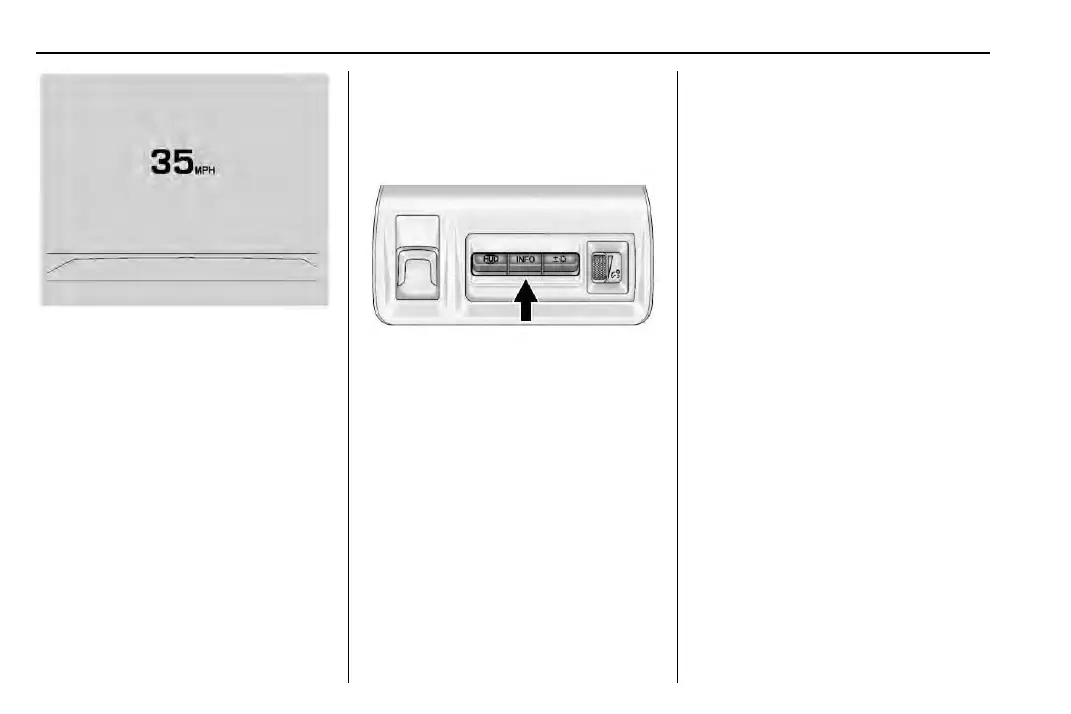
The HUD control is to the left of the
steering wheel.
To adjust the HUD image:
1. Adjust the driver seat.
2. Start the engine.
3. Use the following settings to
adjust the HUD.
$ : Press down or lift up to center
the HUD image. The HUD image can
only be adjusted up and down, not
side to side.
! : Press to select the display
view. Each press will change the
display view.
D : Lift up and hold to brighten the
display. Press down and hold to dim
the display. Hold down to turn the
display off.
The HUD image will automatically
dim and brighten to compensate for
outside lighting. The HUD brightness
control can also be adjusted as
needed.
The HUD image can temporarily light
up depending on the angle and
position of the sunlight on the HUD
display. This is normal.
Polarized sunglasses could make the
HUD image harder to see.
HUD Views
There are four views in the HUD.
Some vehicle information and vehicle
messages or alerts may be displayed
in any view.



 To Next Page