©2019 CAE 905K560252 v1.0 29
Setup
Upon powering on the tablet, the manikin will automatically connect to the wireless
dongle.
Step 5: Power on the Instructor Workstation
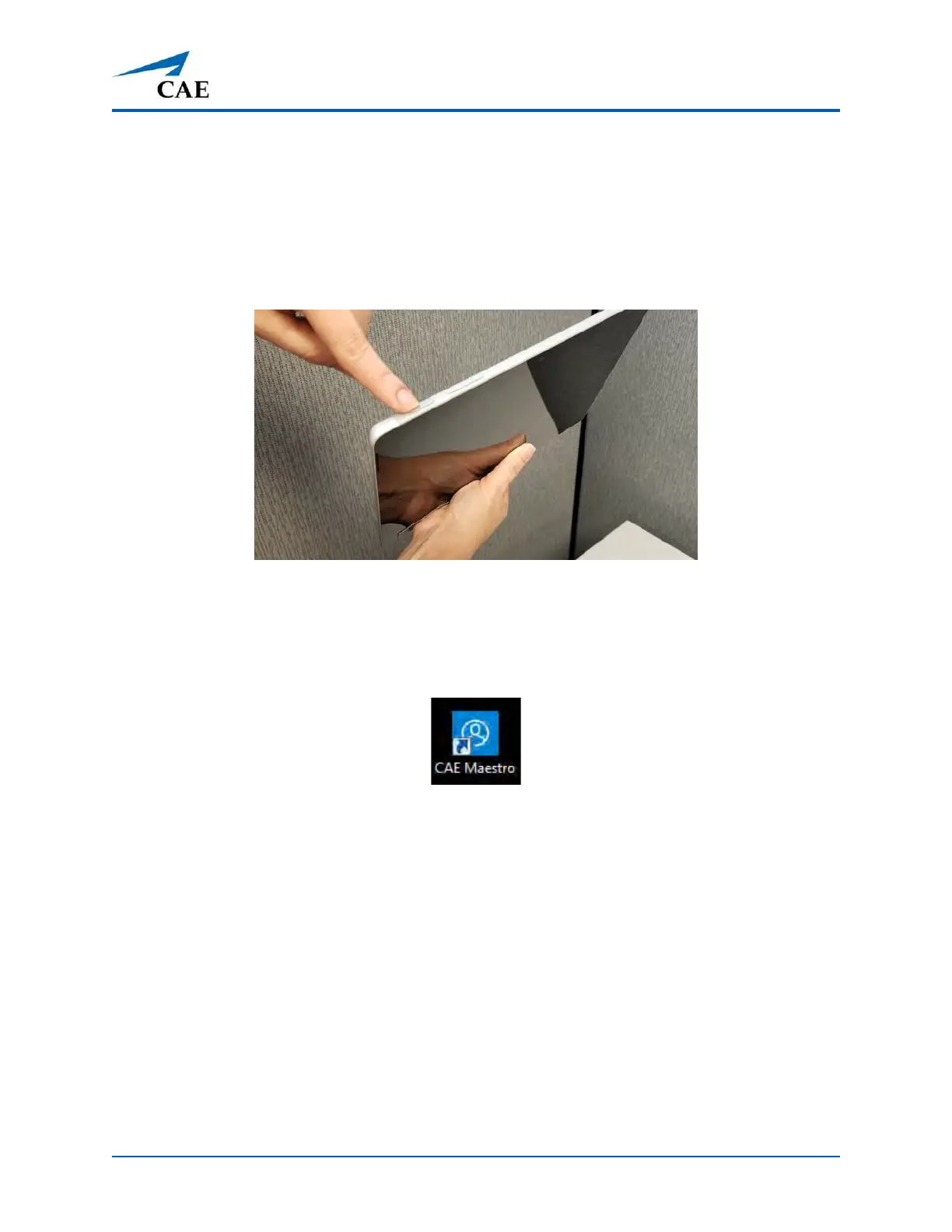
To power on the instructor tablet, press and hold the Power button located on top of the Surface Go
tablet until the screen illuminates.
Power Button on Tablet
Step 6: Launch Maestro
To launch Maestro, tap the Maestro icon on the tablet desktop screen.
The Maestro App Icon
The Maestro app opens.
For more information about using Maestro, see the Maestro for Luna User Guide.



 To Next Page