Using Luna
46 ©2019 CAE 905K560252 v1.0
CAELuna
Heart Sounds
Luna’s heart sounds can be auscultated using the StethoSym.
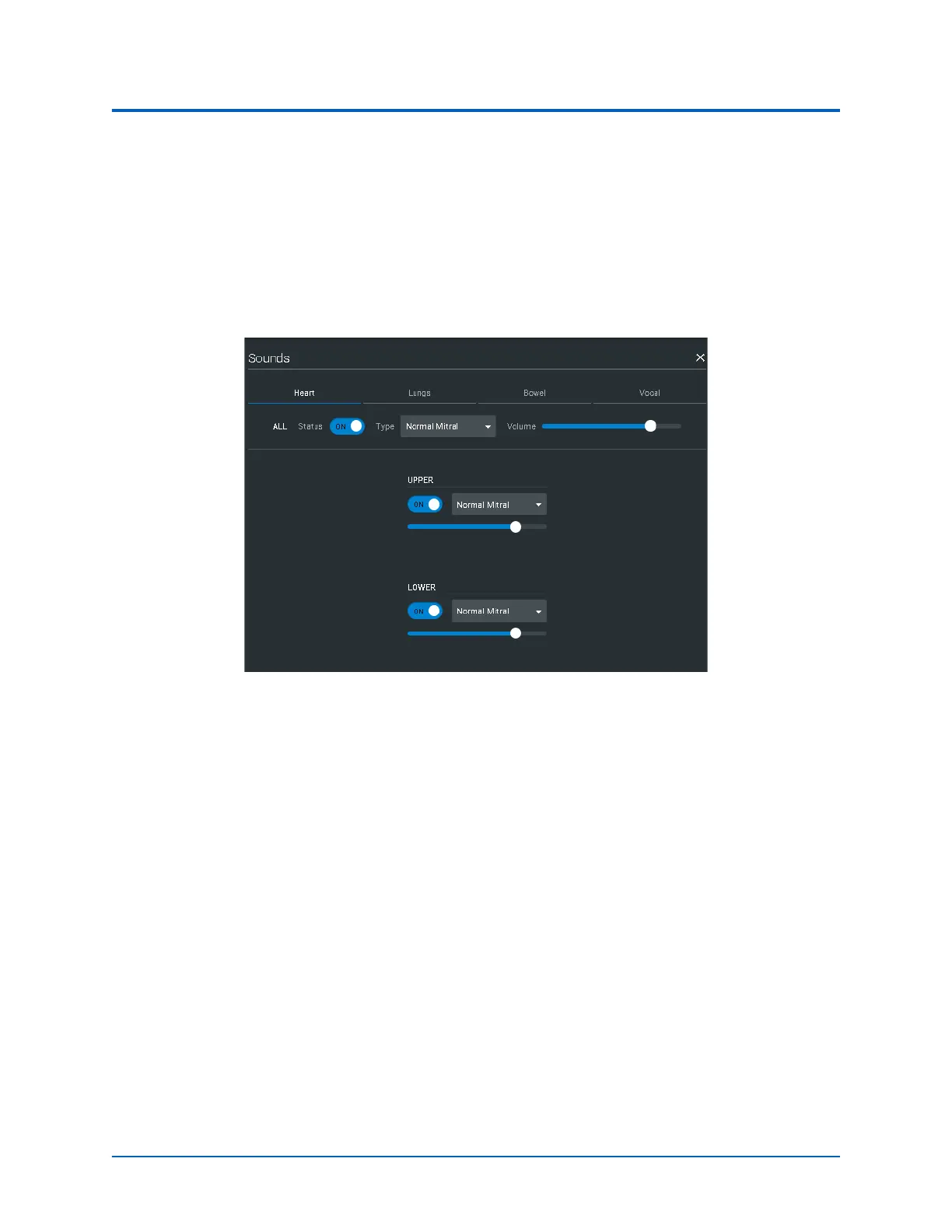
To adjust heart sounds:
1. Tap Sounds on the Run screen.
The Heart tab is displayed by default.
Heart Sound Parameters
2. Select the drop-down menu and tap the desired rhythm.
3. Slide the volume to the right to increase and left to decrease.
Heart Rate
The manikin’s heart rate can be manually adjusted in the Maestro software to represent tachycardia
or bradycardia. Learners can observe these heart rate changes upon palpating pulses and on the
patient vitals displayed on the TouchPro monitor.
To adjust the manikin’s heart rate:
1. From the Run screen, tap Cardiac icon.
2. Tap Heart Rate.



 To Next Page