©2019 CAE 905K560252 v1.0 47
Using Luna
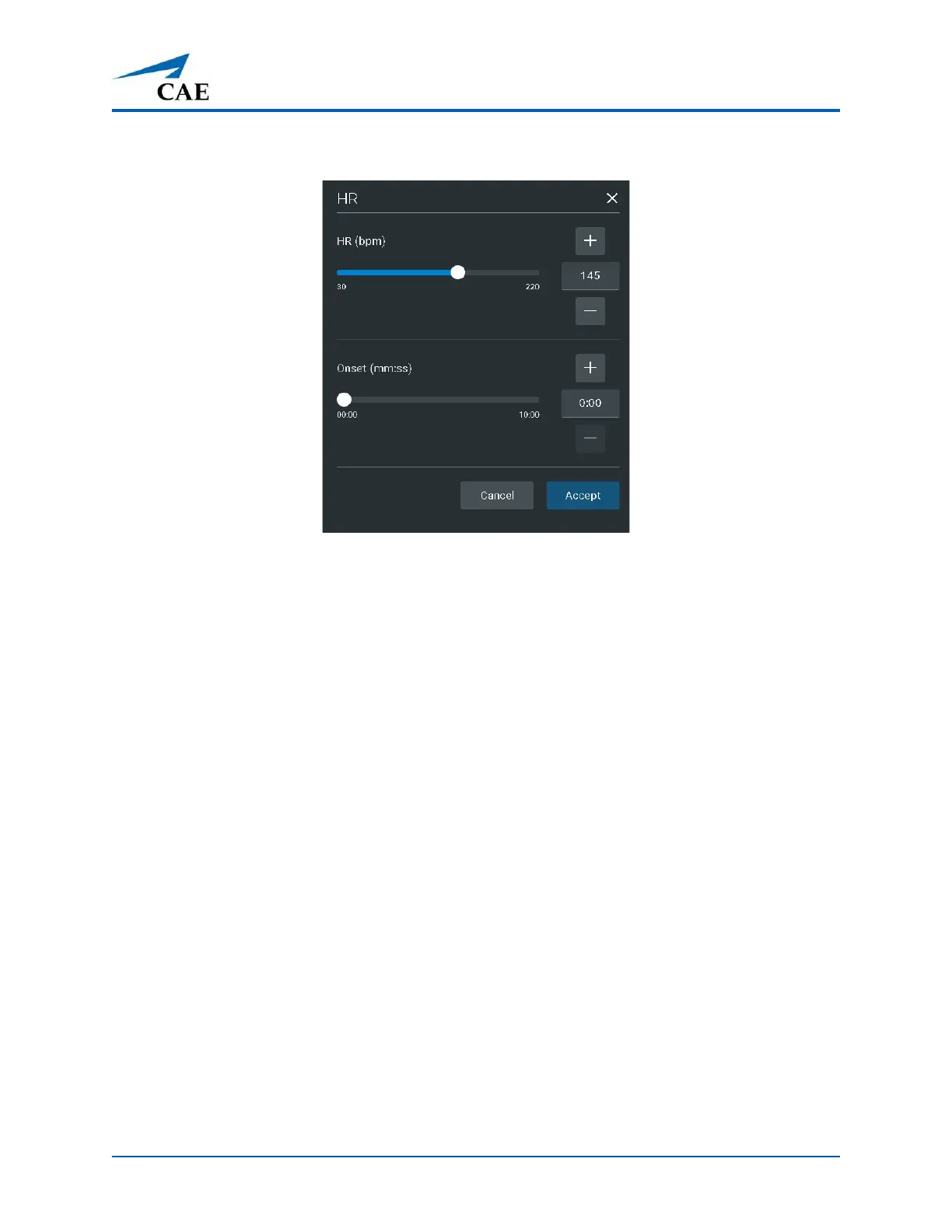
The Heart Rate parameters appear.
Heart Rate Parameters
3. Slide the HR (bpm) setting to the right to increase or left to decrease the heart rate
immediately. You can also use the plus sign or minus sign to increase or decrease the rate.
To create a gradual onset of bradycardia or tachycardia, slide the Onset setting to the
desired amount of time for the increase or decrease to take affect. You can also use the
plus sign or minus sign to increase or decrease the time.
4. Tap Accept.
Chest Compressions
The patient manikin supports normal finger placement and standard compression techniques (1.5 in/
4 cm). Set the manikin on a safe and sturdy work surface when administering chest compressions.
CPR Monitor
The CPR Monitor captures the chest compression metrics in the Maestro software and saves the data
collected during this intervention in SCE History.



 To Next Page