©2019 CAE 905K560252 v1.0 61
Using Luna
Active Arm Movements
To activate arm movement for Luna:
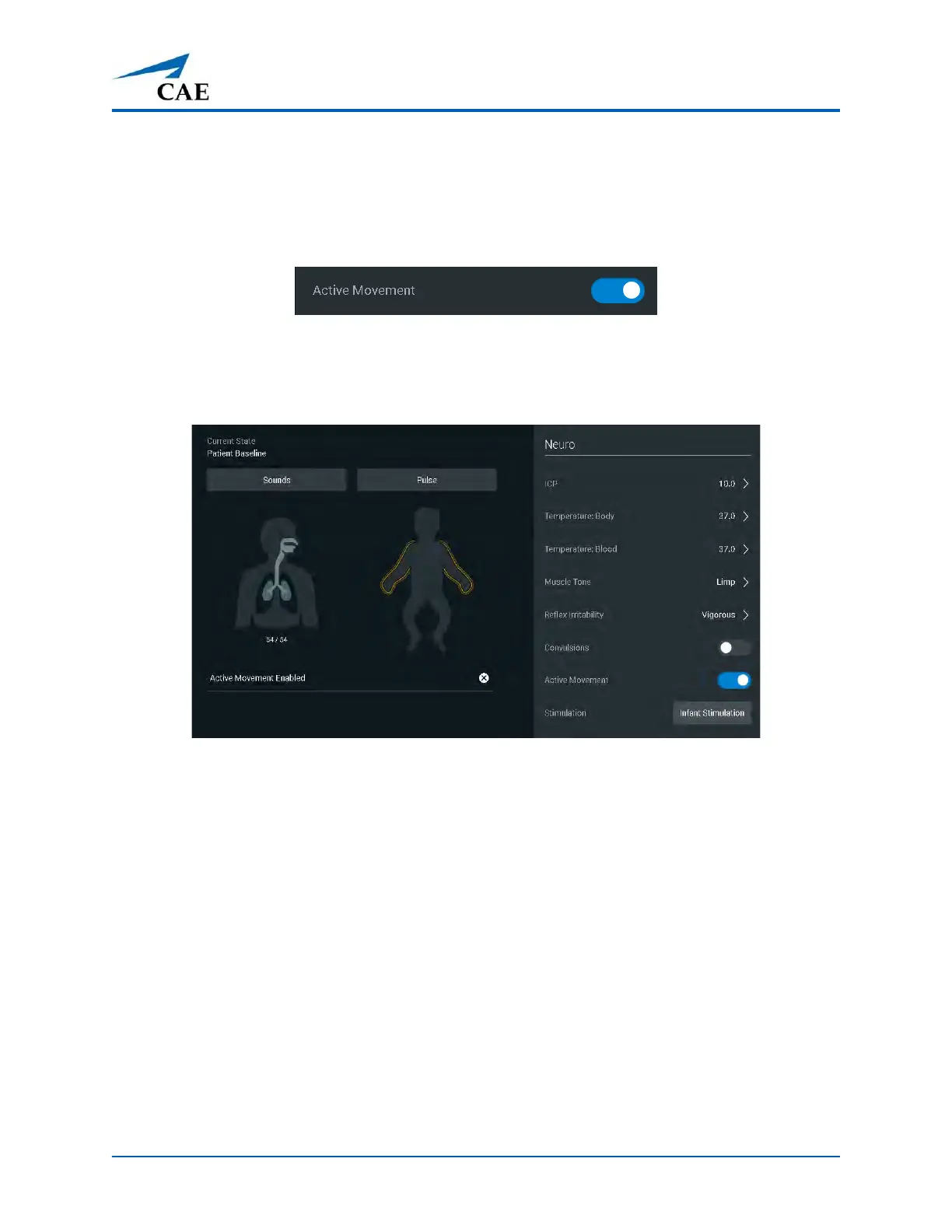
Tap the Neuro icon and slide the Active Movement toggle to the On position (highlighted in blue).
Active Movement Toggle
When the active movement parameter is enabled, the arms on the homunculus are highlighted in
yellow.
Homunculus with Arms Highlighted
To turn off active movement, tap on the X next to Active Movement Enabled on the run screen.



 To Next Page