8
2.2 Display
PIN default
1 2 3
How to change the PIN
We advise you to change the PIN to personalize your bike and avoid it from
getting stolen. Once the PIN has been changed, write it down and don’t lose it.
If you would lose or forget your PIN code has to be reset by the CAKE service team.
Your PIN can consist of either 3 or 6 digits. The available digits are 1, 2, or 3.
A PIN can for example be “131”, “113”, “132212” or “123321”.
1. In the “ENTER YOUR PIN” screen, hold button 2 and 3 (middle and lower)
simultaneously for 5 seconds.
2. Enter the current PIN (factory default = “123”).
3. Enter your new PIN.
4. Enter your new PIN again to confirm.
5. Your new PIN is now set, please restart the bike to make sure it works.
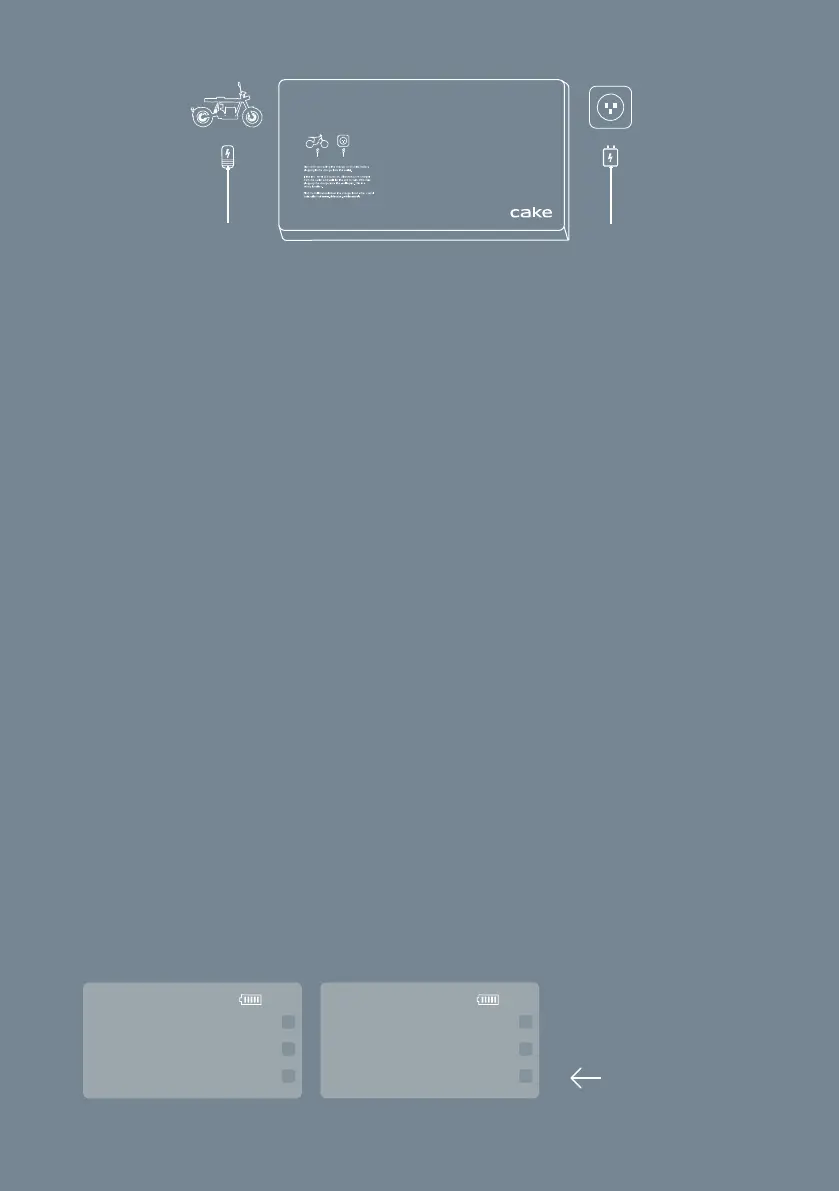
How to change between mph and km/h
Change between miles per hour and kilometers per hour. Start the bike by
holding the start button and enter the PIN code. Press and hold the lower
button on the display to change between mph and km/h.
45
km/h
ride1
brake1
trip 25
28
mph
ride1
brake1
trip 25
Press and hold
multi-chemistry | programmable
1. bik . wall
battery charger
e
2



 To Next Page