16
Audio
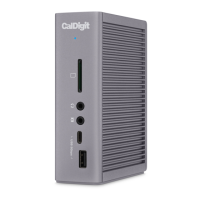
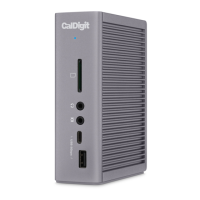
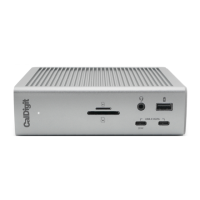
The TS4 has one front-facing audio combo port, one rear-facing audio out
port, and a second audio in port on the back of the device. Only the front-
facing combo port or the rear-facing audio ports can be connected at a time.
If you have all of these three audio ports connected to the devices at the
same time, the TS4 will default to the audio in/out on the front audio port.
Once you disconnect your audio device from the front audio port, the audio
will default to the device connected to the back of the TS4.
On macOS, the audio devices must be selected in the “Sound” section under
“System Preferences”. The TS4’s audio devices will be listed as ‘CalDigit TS4
Audio - Front’ or ‘CalDigit TS4 Audio - Rear’ in your settings depends on the
audio port you use.
2.5 Gigabit Ethernet
The TS4 has a 2.5 Gigabit Ethernet port with up to 2.5X performance* of
Gigabit Ethernet. The 2.5GbE ports is backwards compatible with standard
Gigabit Ethernet, and can be used with a 5GbE, or 10GbE network.
* 2.5 Gigabit Ethernet is only supported on Thunderbolt based hosts.


 To Next Page