8
INSTALLER
5 - Congurating operating parameters
This operation must be done by
technical service personnel only.
Errors in the conguation of your
SATK’S remote control device may
lead to malfunctioning.
This operation congures the remote
control device to be compatible with its
installation position
.
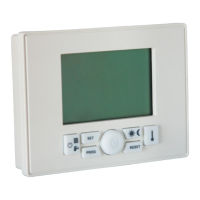
1. Move the remote control device to
OFF
by repeatedly pressing button
2. Press the keys and and
keep them pressed until the display
will show PAr.
3. To conrm the function press button
Instead of the time the display will show
the parameter number, and instead of
the temperature the parameter value.
The parameter number will be blinking.


 To Next Page

