4 OPERATION
USER MANUAL
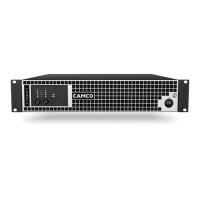
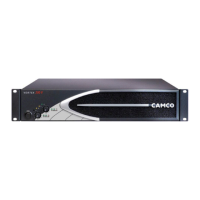
VORTEX 6, 4, 2.6 and 200V
P.20
USER MANUAL
VORTEX 6, 4, 2.6 and 200V
P.21
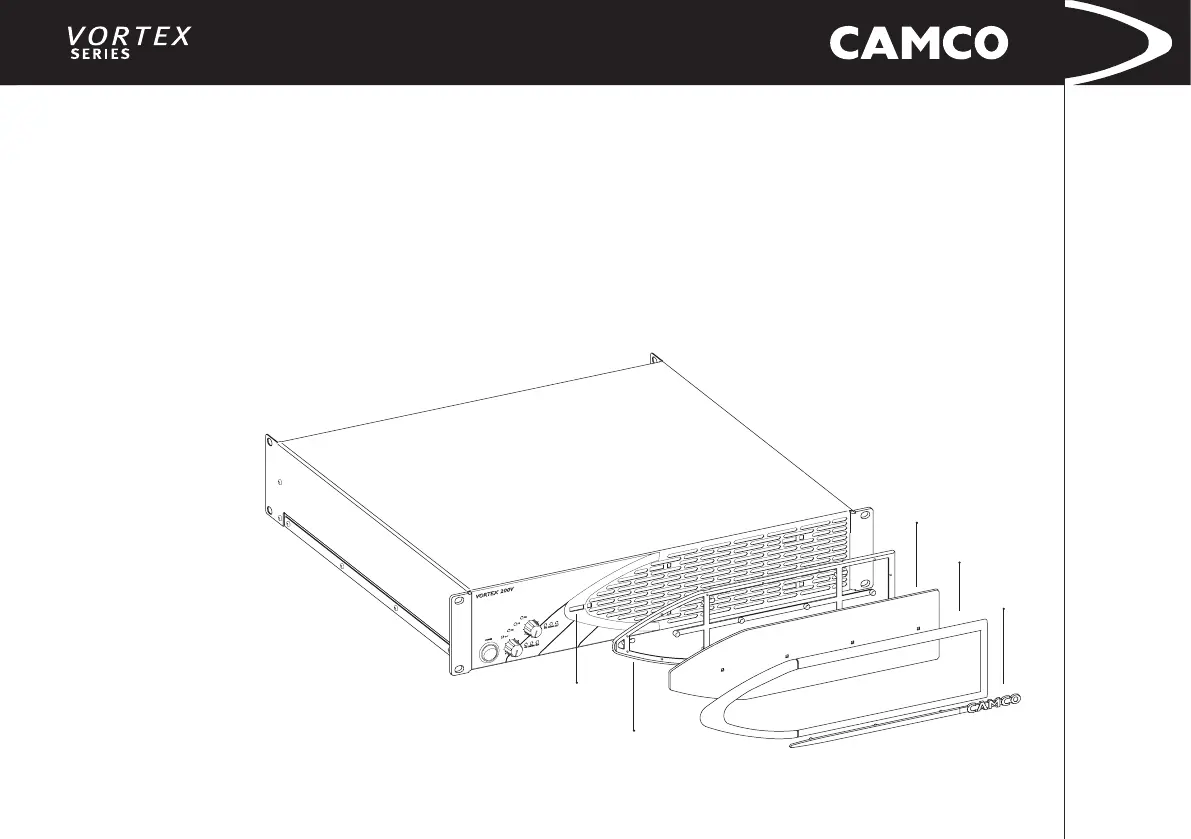
VORTEX Filter Assembly
1 Clip Apertures
2 Injection Moulded Cradle
3 Foam Filter
4 Injection Moulded Surround
5 Injection Moulded CAMCO Badge
4.7 Filter Cleaning
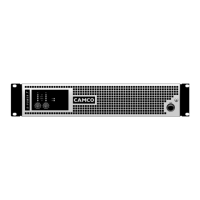
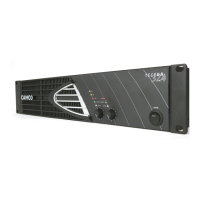
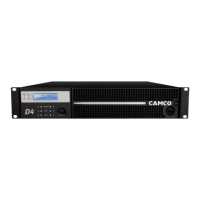
The air intake on the front of your VORTEX is tted with a removable lter
system. If the lter becomes clogged, the unit will not cool as efciently as it
should and may result in reduced output levels.
For changing the lter, no tools are required: rst, gently slide the whole plastic
lter assembly a few millimetres to the left and lift it from the front panel. Next,
beginning on one of the long sides, carefully unclip the moulded surround (4)
from the cradle (2) and then carefully pull the CAMCO badge (5) out of the four
fastening holes with both hands. Remove the foam lter (3) and clean it with a
mild dishwashing detergent and warm water. Once dry, replace the foam lter
carefully into the cradle and repeat the dismantling procedure in reverse. Insert
the ve pins on the lter frame into the clip apertures (1) and slide the lter
carefully to the right to secure.



 To Next Page