Need help?
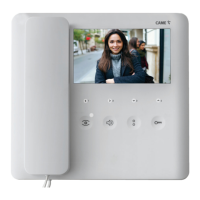
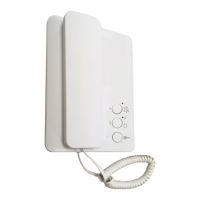
Do you have a question about the CAME 840CH-0130 and is the answer not in the manual?
Precautions for remote control via Wi-Fi, network quality, and app usage.
Compliance with FCC and RED regulations, including interference and authorization.
Details the Wi-Fi PLX V and Wi-Fi PLX V BF models, their features, and specifications.
Details the function of each terminal connection for power, BUS, landing call, and alarm.
Explains the settings for DIP switch 1 (mode) and DIP 2 (resistor).
How to enable and use the OPEN GATE/GATE STATUS function for gate control.
How to enable and use the automatic door release function upon entry panel call.
Instructions for activating and configuring the Wi-Fi connection for the device.
Displays detailed hardware and software information about the PLX V Wi-Fi device.
How to activate video communication with the outside and select entry panels.
Notification process when the porter wishes to be called back or requests a call.
How to signal the porter that you wish to be called back.
How to use the panic function for urgent calls to the porter.
 General
| Brand | CAME |
|---|---|
| Model | 840CH-0130 |
| Category | Intercom System |
| Language | English |


 To Next Page