5
M1
BOUT
M2
SW3
PROG
PROG
M2M1
+–
VLS/300
B
B
NO
C
–
+
NO
C
EN
VAS/101-CM
Technical features
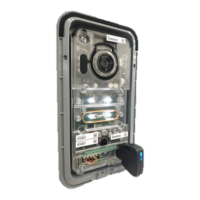
Entry panel
Absorption: 250mAmax(100mAstand-by)
Dimensions: 99x207x30mm
Storage temperature: -25°C+70°C
Operating temperature: -15°C+50°C
IP degree: IP54
Video camera
Resolution: 680x512pixels
Minimum lighting: 1LUX
OPTIONAL:
Bus module
2 auxiliary exits
Relay 1
Relay 2
Terminal board
M1
BOUT
Bus
(notpolarised)
+
Powersupply
16-18VDC
–
M2
– Earth
Doorrelease
button(NO)
Electriclock
12V1Amax
–
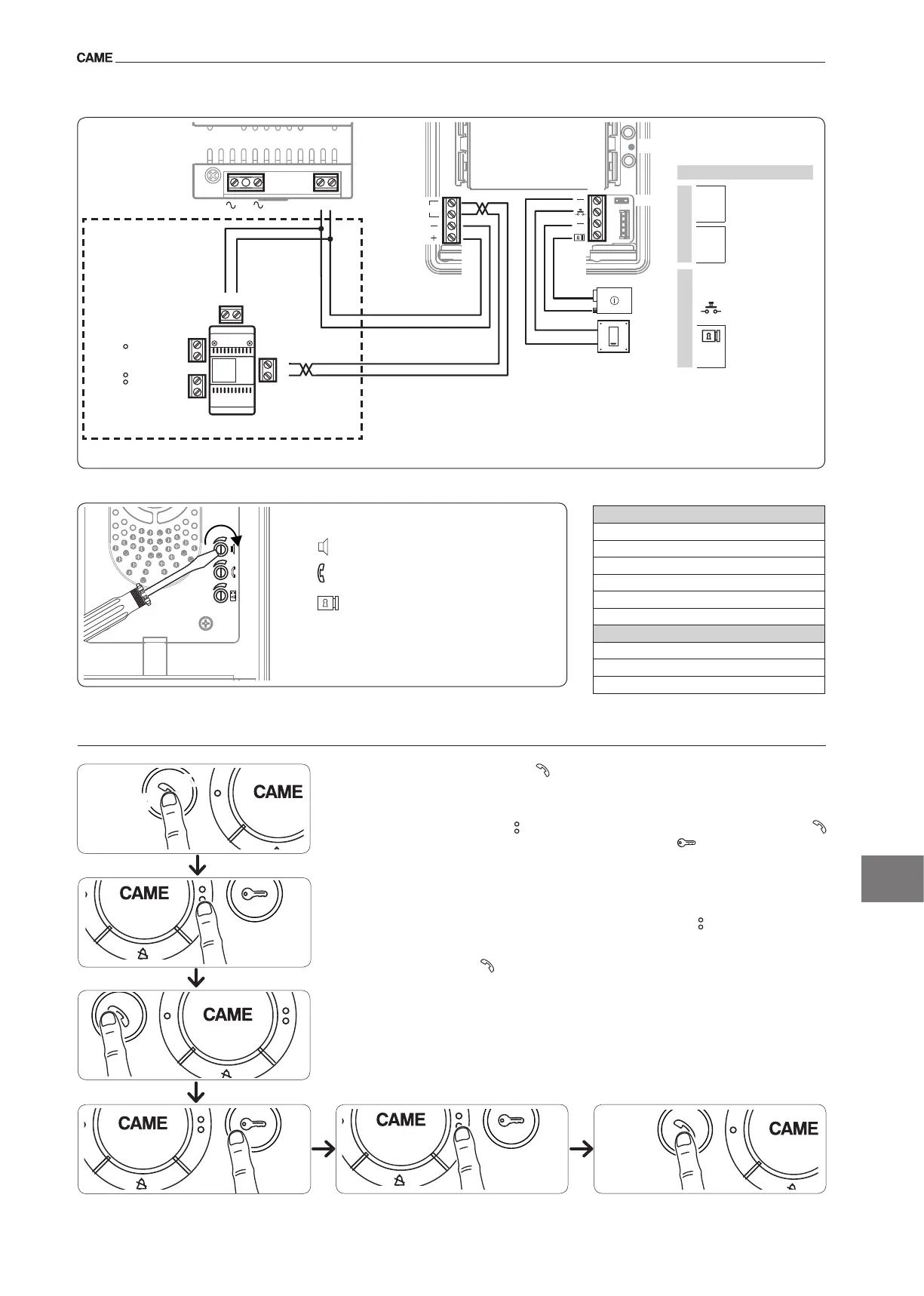
Functions of the terminal boards
Adjustments
speakaudio
microphoneaudio
electriclock1-10s.default1s
Accessing programmingPressthebutton vetimeswithin5s.Abriefacousticsignalwillconrmthat
programminghasbeenaccesseda.
Programming the melody associated to the call from the entry panel (1 acoustic signal).Tohearthe
melodiesinsequence,pressthebutton b.Toselectthemelodyandexitprogramming,pressthebutton
c.Toselectthemelodyandcontinuewithprogramming,pressthebutton d.
Programming the melody associated with the doorbell (2 acoustic signals).Forthistypeofprogram-
mingb c dproceedaspreviouslydescribedfor“Programmingthemelodyassociatedtothecallfromthe
entrypanel”.
Programming the number of call rings (3 acoustic signals). pressthebutton thenumberoftimesequal
tothenumberofringsselectedforthecall(from1to6rings) e.3safterthebuttonispressedthelasttime,
thecallselectedfortheselectednumberofringswillbewillbereproduced.Toselectthemelodyandexit
programming,pressthebutton f.
Programming
y For call programming, see the entry panel documentation.
a
b
c
d
e f
X 5
beep


 To Next Page