Page 15 - Manual FA01812-EN - 06/2022 - © CAME S.p.A. - The contents of this manual may be changed at any time and without notice. - Translation of the original instructions
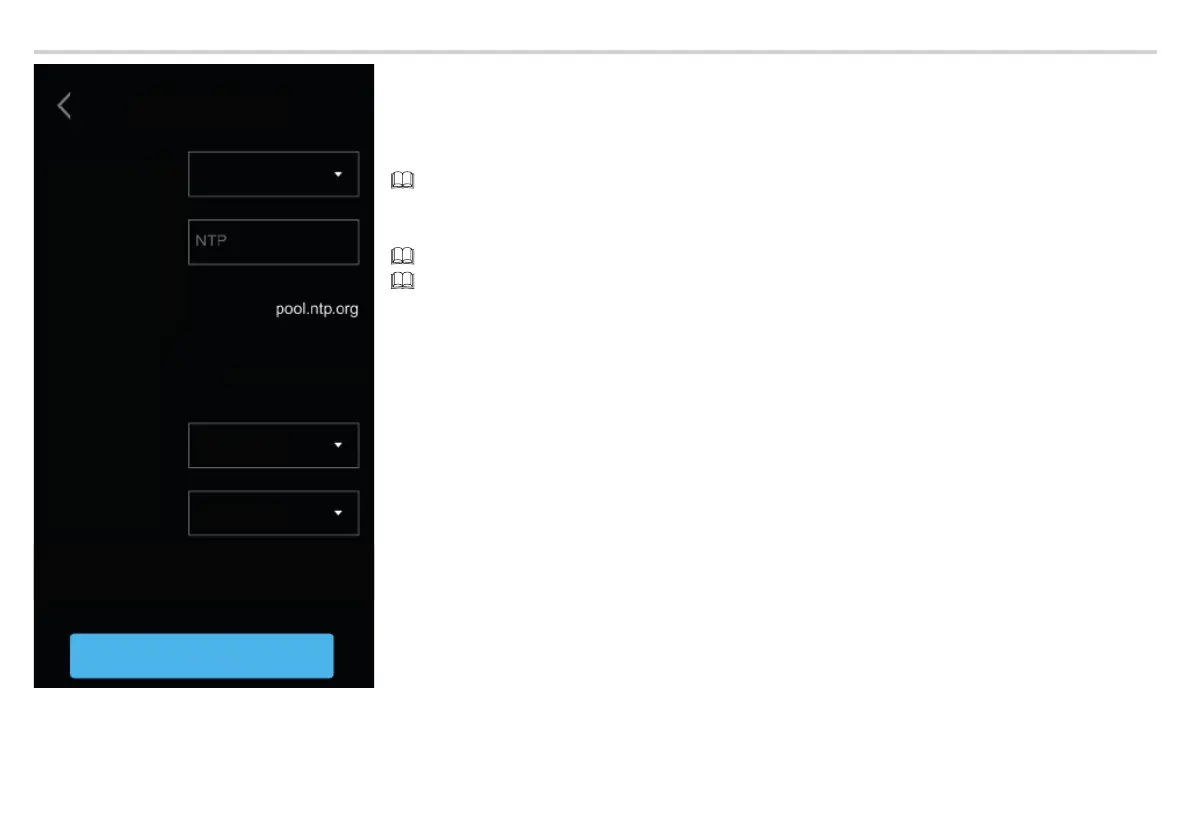
Date/Time
Mode
Auto mode
NTP server
Date/Time
Continent
State/City
23 Jul 2019 16:03
Save
DATE/TIME
Choose between [MANUAL] modeand [AUTO] (Automatic) mode.
MANUAL
Set the date and time manually.
From the list, select the [CONTINENT].
Select the [STATE] or the [CITY].
Choose the [CONTINENT] and [STATE/CITY] to ensure the time zone and daylight saving time are managed correctly.
AUTO
In automatic mode, it is synchronised with its XIP system MASTER or an external service (NTP).
An internet connection is required to select NTP.
The external server address can be set from a WEB confi guration page.
The [NTP SERVER] synchronises the device date and time.
Tap [SAVE] to save the confi guration.



 To Next Page
 Loading...