Page 23 - Manual FA01812-EN - 06/2022 - © CAME S.p.A. - The contents of this manual may be changed at any time and without notice. - Translation of the original instructions
Confi guring the user interface
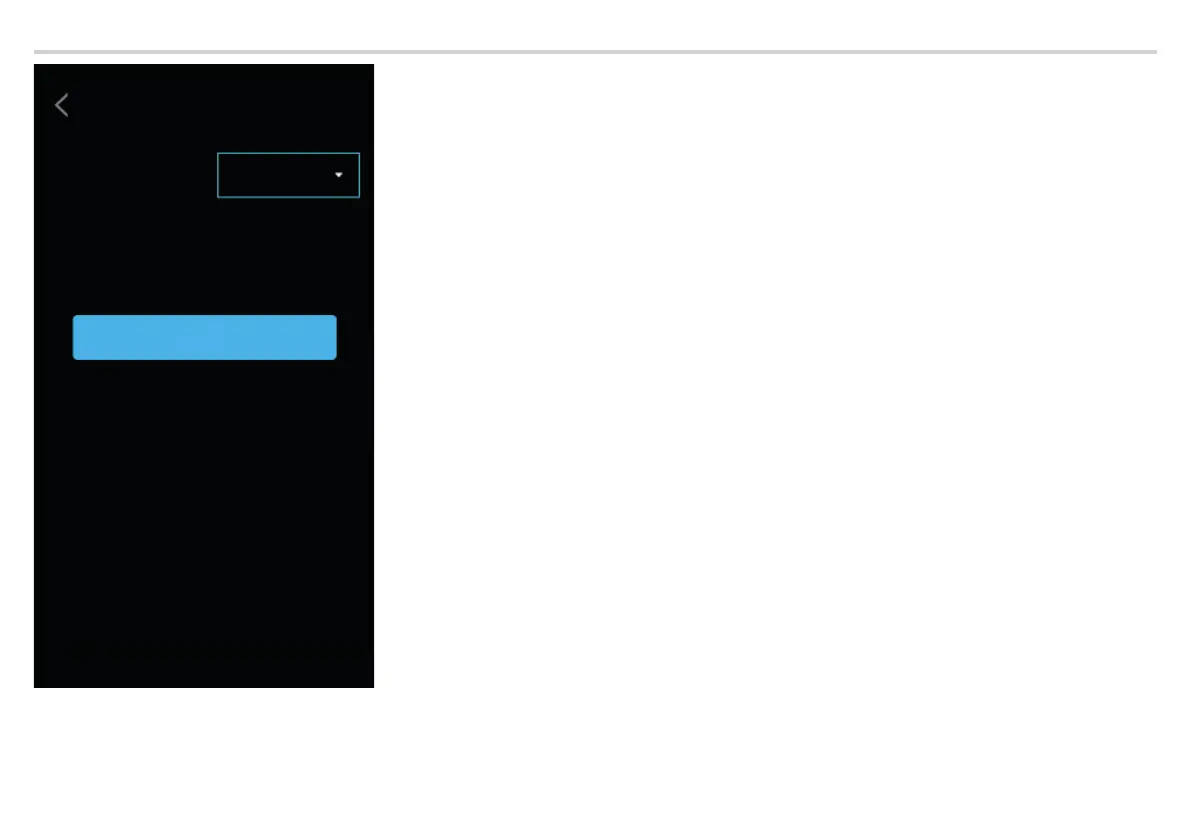
Call page
style
USER INTERFACE
CONFIGURATION
Save
From [CALL PAGE STYLE] you can select the style of the call screen.
By choosing [PRESET], all the screens have the same style, with a dark background, including the call screen.
By choosing [BRIGHTNESS], the call screen has a white background so that the person in front of the entry panel appears brighter.
Tap [SAVE] to save the confi guration.



 To Next Page
 Loading...