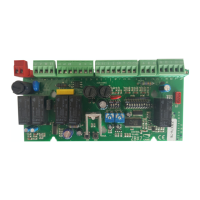
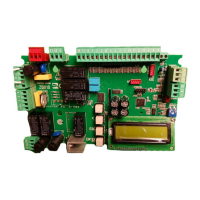
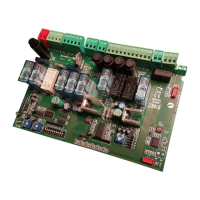
The data and information reported in this installation manual are susceptible to change at any time and without obligation on CAME cancelli automatici s.p.a. to notify users.
Pag.
11 - Manual code:
319LR22 ver.
07/2013 © CAME cancelli automatici s.p.a.
ENGLISH
Adjustment Trimmer
C
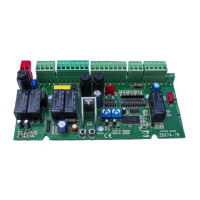
Trimmer A.C.T. =Sets the waiting time while open. Once this time has elapsed, closing automatically takes
place. The waiting time may be set from 1 to 120 seconds.
Trimmer PAR.OP. = Sets the gate’s partial opening. By pushing the partial opening button connected at 2-3P,
the gate will open for a set time between 0 and 16 seconds.
Modifying the Re-closing Partial Stop during opening
With BX-74/78 you can change the function of the Re-closing Partial Stop during opening, which is connected on 2-C3.
To activate it, do the following:
a) - Set Dip Switch 1 and 4 on ON;
b) - press CH1: the red LED will start to fl ash;
c) - when the LED stays lit up (after about 5 secs) this means that the procedure is fi nished;
d) - reset the DIP SWITCHES to the previous setting, which is determined by the selection of functions.
N.B.: to go back to the default selection, follow the same procedure but press CH2.


 To Next Page
 Loading...