9
ENGLISH
The data and information provided in this manual are to be considered susceptible to change at any time without warning, by CAME cancelli automatici s.p.a.
Activating the radio command
-
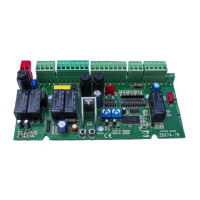
Connect the antenna’s RG58 cable to the apposite terminals .
- Insert the radio frequency card into the electronic card AFTER DISCONNECTING THE POWER (and disconnecting any batteries).
N.B.: the electronic card picks up the radiofrequency card on when it is running on power.
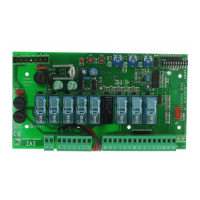
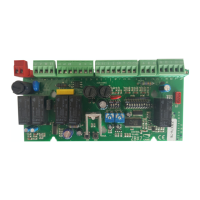
- Keep pressed the PROG button on the electronic card. The LED will fl ash.
- Press the button of transmitter to memorise. The LED will stay on to signal memorisation.
Memorisation
c
d
f
e
Settings
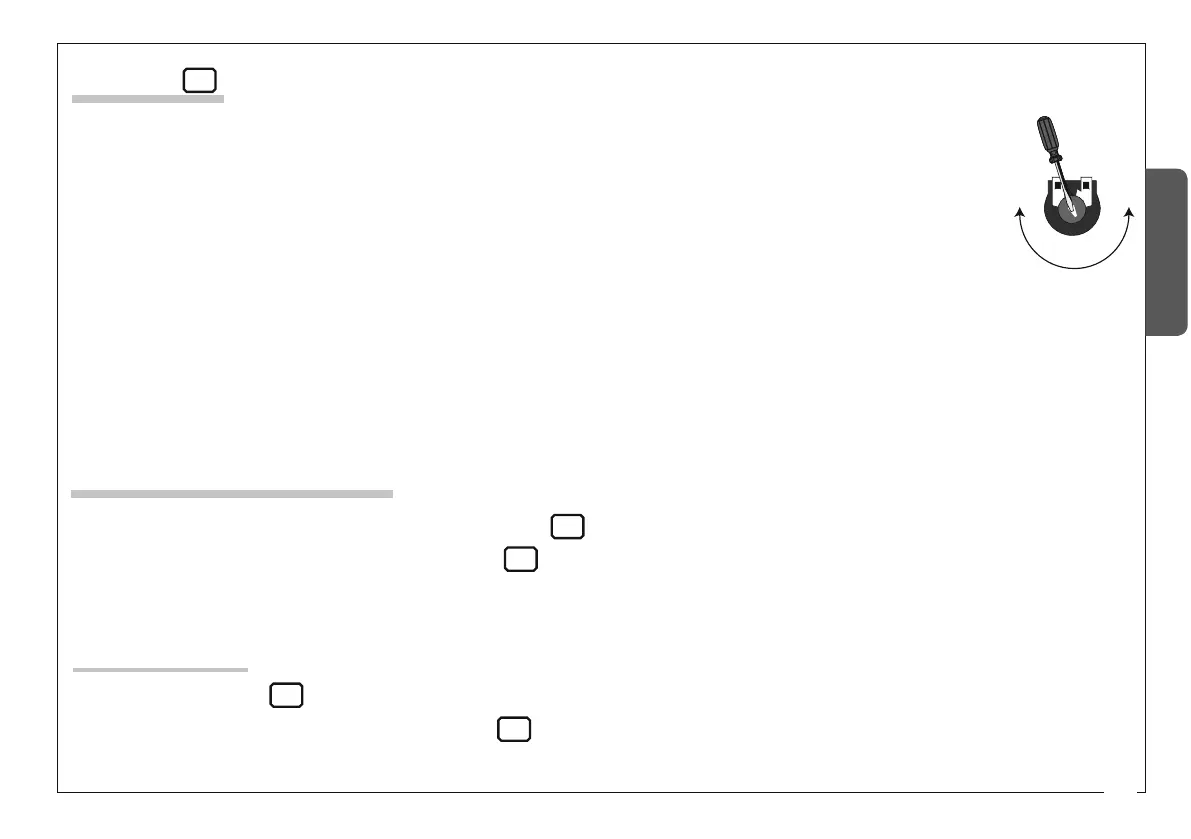
- «A.C.T.» Sets the waiting time while open. Once this time has elapsed, closing automatically takes place. The
waiting time may be set from 1 to 150 seconds.
- «PAR.OP.» Sets the gate’s partial opening. By pushing the partial opening button connected at 2-3P, the gate opens
depending on the length of the gate.
- «SLOW S.» Sets the amperometric sensitivity that controls the force generated by the motor during slow down; if the
force exceed the set level, the system intervenes by inverting the direction of motion.
- «RUN S.» Sets the amperometric sensitivity that controls the force generated by the motor during movement; if the
force exceeds the set level, the system intervenes by inverting the direction of motion.
- «SLOW V.» Sets the gate’s final opening/closing phase slow-down speeds.
- «RUN V.» Sets the gate’s opening/closing motion speed.
a
9
ENGLISH
The data and information provided in this manual are to be considered susceptible to change at any time without warning, by CAME cancelli automatici s.p.a.
Activating the radio command
-
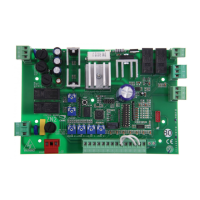
Connect the antenna’s RG58 cable to the apposite terminals .
- Insert the radio frequency card into the electronic card AFTER DISCONNECTING THE POWER (and disconnecting any batteries).
N.B.: the electronic card picks up the radiofrequency card on when it is running on power.
- Keep pressed the PROG button on the electronic card. The LED will fl ash.
- Press the button of transmitter to memorise. The LED will stay on to signal memorisation.
Memorisation
c
d
f
e
Settings
- «A.C.T.» Sets the waiting time while open. Once this time has elapsed, closing automatically takes place. The
waiting time may be set from 1 to 150 seconds.
- «PAR.OP.» Sets the gate’s partial opening. By pushing the partial opening button connected at 2-3P, the gate opens
depending on the length of the gate.
- «SLOW S.» Sets the amperometric sensitivity that controls the force generated by the motor during slow down; if the
force exceed the set level, the system intervenes by inverting the direction of motion.
- «RUN S.» Sets the amperometric sensitivity that controls the force generated by the motor during movement; if the
force exceeds the set level, the system intervenes by inverting the direction of motion.
- «SLOW V.» Sets the gate’s final opening/closing phase slow-down speeds.
- «RUN V.» Sets the gate’s opening/closing motion speed.
a


 To Next Page