20
Time setting
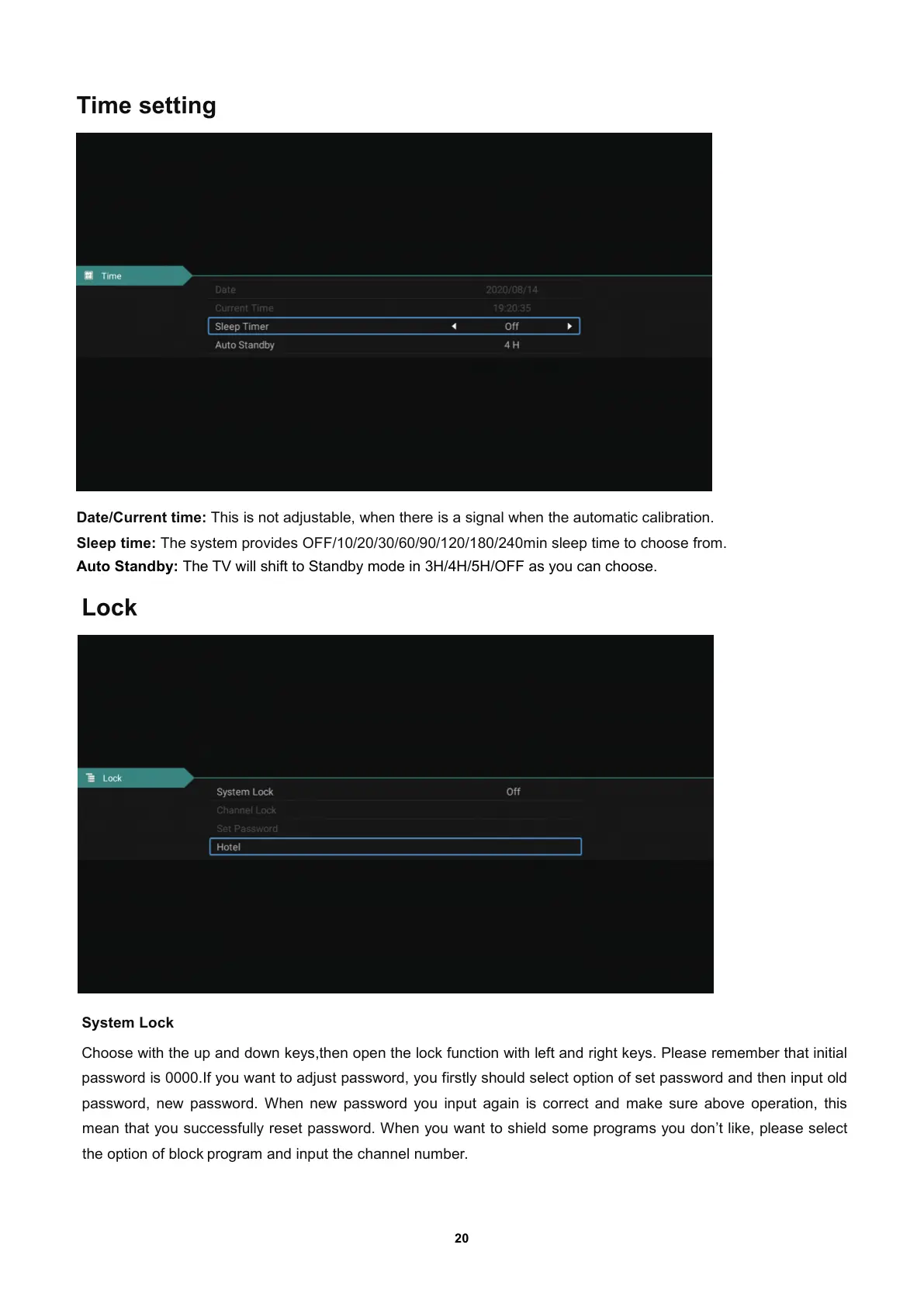
Date/Current time: This is not adjustable, when there is a signal when the automatic calibration.
Sleep time: The system provides OFF/10/20/30/60/90/120/180/240min sleep time to choose from.
Auto Standby: The TV will shift to Standby mode in 3H/4H/5H/OFF as you can choose.
Lock
System Lock
Choose with the up and down keys
,then open the lock function with left and right keys. Please remember that initial
password is 0000.If you want to adjust password
, you firstly should select option of set password and then input old
password
, new password. When new password you input again is correct andmakesureaboveoperation, this
mean that you successfully reset password. When you want to shield some programs you don’t like
, please select
the option of block program and input the channel number.



 To Next Page