EasyManua.ls Logo

Canon 550ex - Setting the 550 EX as the Master Unit

Canon 550ex
49 pages
Print Icon
To Next Page IconTo Next Page
To Previous Page IconTo Previous Page
Loading...
tl]
Wireless
System Setup and
Testing
The wireless
flash
system can be
setup
in
one of two
ways:
@
With
a 550EX
set as
the
master
unit and one or
more
550EXs set as slave
units
.
@
With
Speedlite
Transmitter
ST-E2
(sold
separately)
used as the
master
unit and
one or
more
550EXs
set
as
slave units.
This
section
describes the
procedure
for
the
former. For
the
latter, refer
to
the
Instructions for
Speedlite
Transmitter
ST-E2.
1.
Setting the 550EX as the
Master
Unit
/31
@'l'SLAVE
MASTER
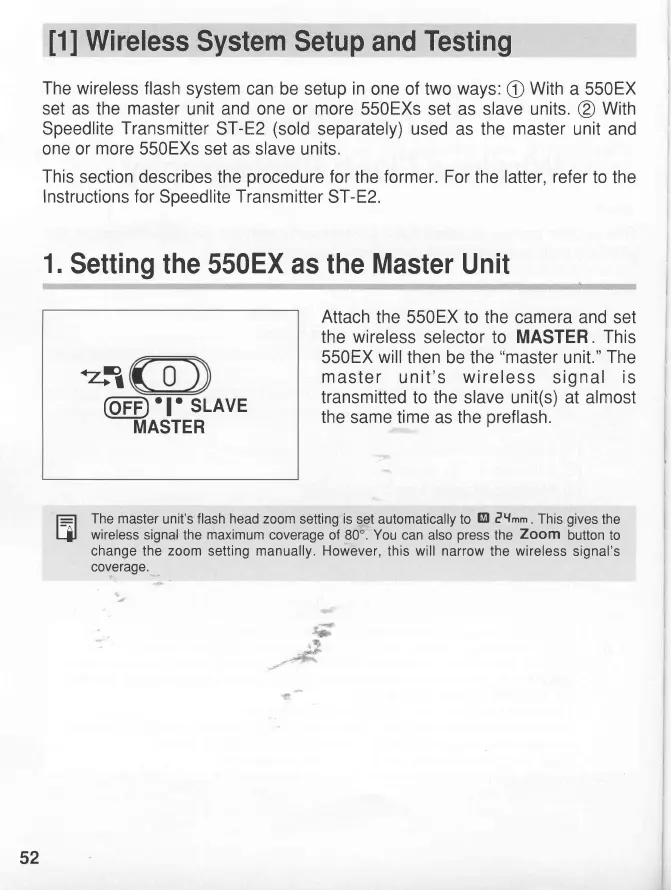
Attach
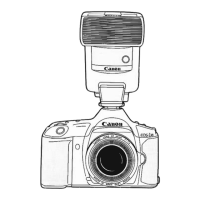
the 550EX to the camera and
set
the
wireless
selector to MASTER.
This
550EX
will
then
be the
"master
unit."
The
master
unit's
wireless
signal
is
transmitted
to the slave unit(s) at almost
the
same time as the
preflash.
f_=l
The
master
unit's
flash head zoom
setting
is
set automatically to
M
?Ymm.
This
gives
the
4l
wireless
signal
the
maximum
coverage of 80'.
You
can also
press
the
Zoom
button to
change the
zoom
setting
manually. However,
this
will narrow
the
wireless
signal's
coverage.
52
www.orphancameras.com

Related product manuals