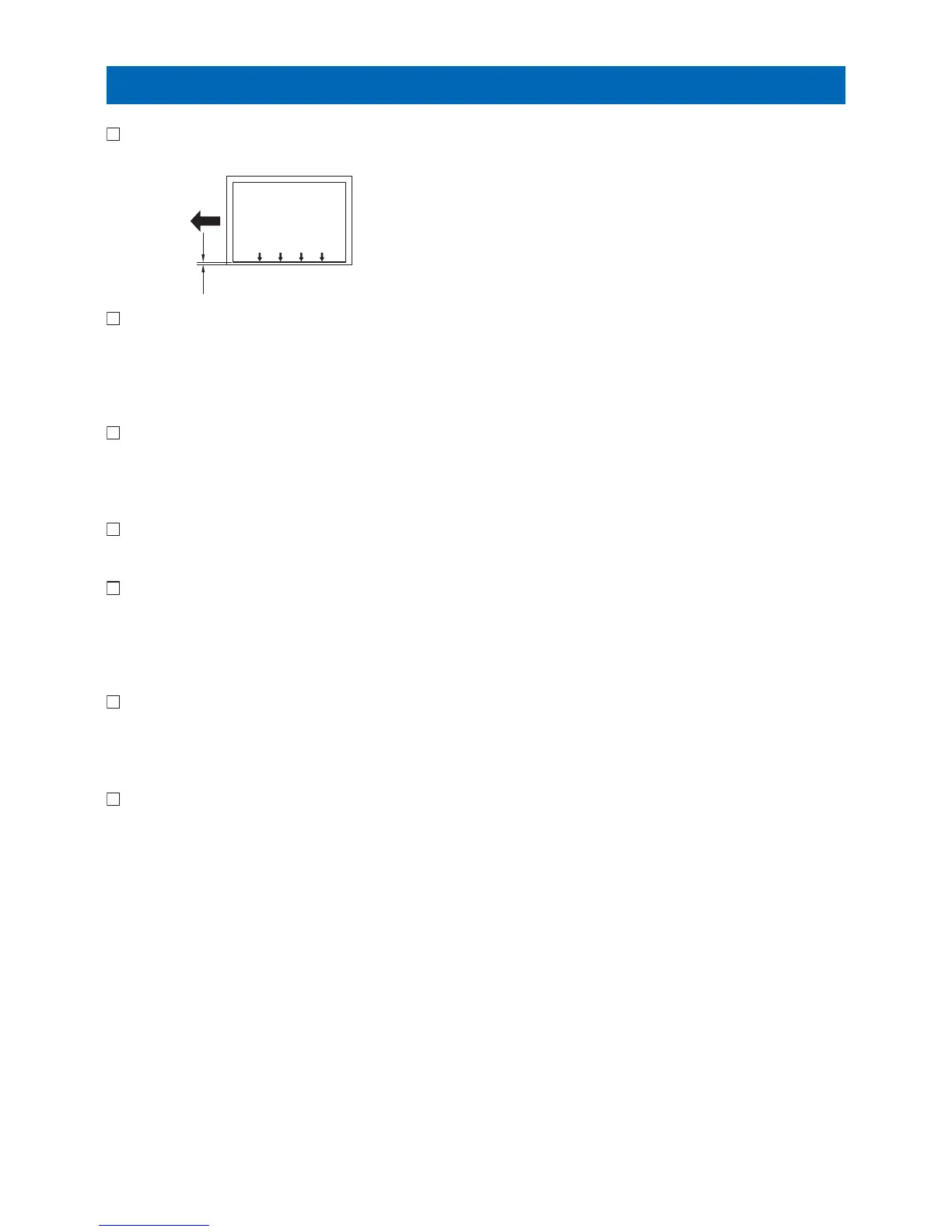
Margin Adjustment (Second side)
1. Make 2-sided copies using the Cassette 3 and check that the left edge margin is 2.5 +/- 2.0 mm.
2. As for nonstandard, change the left edge margin adjustment value for the second side of the 2-sided copy from the
Cassette 3.
Service Mode (level1) > COPIER > ADJUST > FEED-ADJ > ADJ-C3RE and set 1 value larger, the left edge margin becomes
0.1mm larger.
3. Enter the value set to the left edge margin adjustment value for the second side of the 2-sided copy from the Cassette
3 as the side registration adjustment value for the second side of the 2-sided copy from the Cassette 4.
Service Mode (level1) > COPIER > ADJUST > FEED-ADJ > ADJ-C4RE
4. Make 2-sided copies using the Cassette 4, and check that the left edge margin is 2.5 +/- 2.0 mm.
5. As for nonstandard, change the left edge margin adjustment value for the second side of the 2-sided copy from the
Cassette 4.
As making the following selection: Service Mode (level1) > COPIER > ADJUST > FEED-ADJ > ADJ-C4RE and set 1 value
larger, the left edge margin becomes 0.1mm larger.
6. Enter the new adjustment value on the Service Label.
• ADJ-C3RE
• ADJ-C4RE
7. Get out from the service mode.
Adjustment
44









 To Next Page