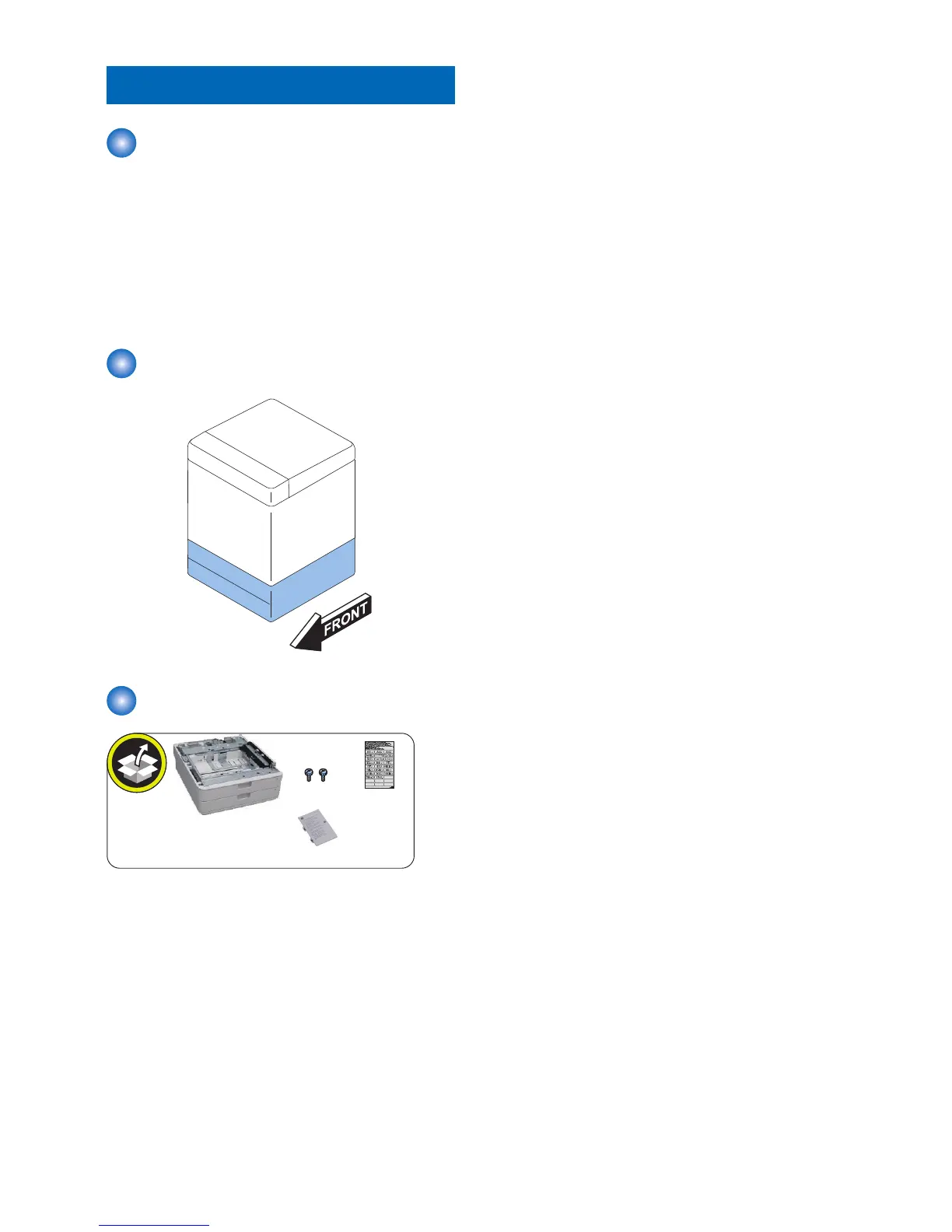
Checking before Installation
Check Item When Turning OFF
the Main Power
Check that the main power is OFF.
1. Turn OFF the main power switch.
2. Check that the display in the Control Panel and the
lamp of the main power are turned off, and then
disconnect the power plug.
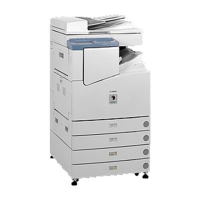
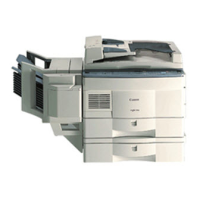
Installation Outline Drawing
Checking the Contents









 To Next Page