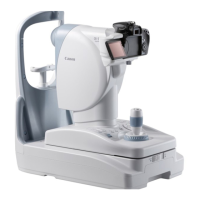
3. Description
-23-
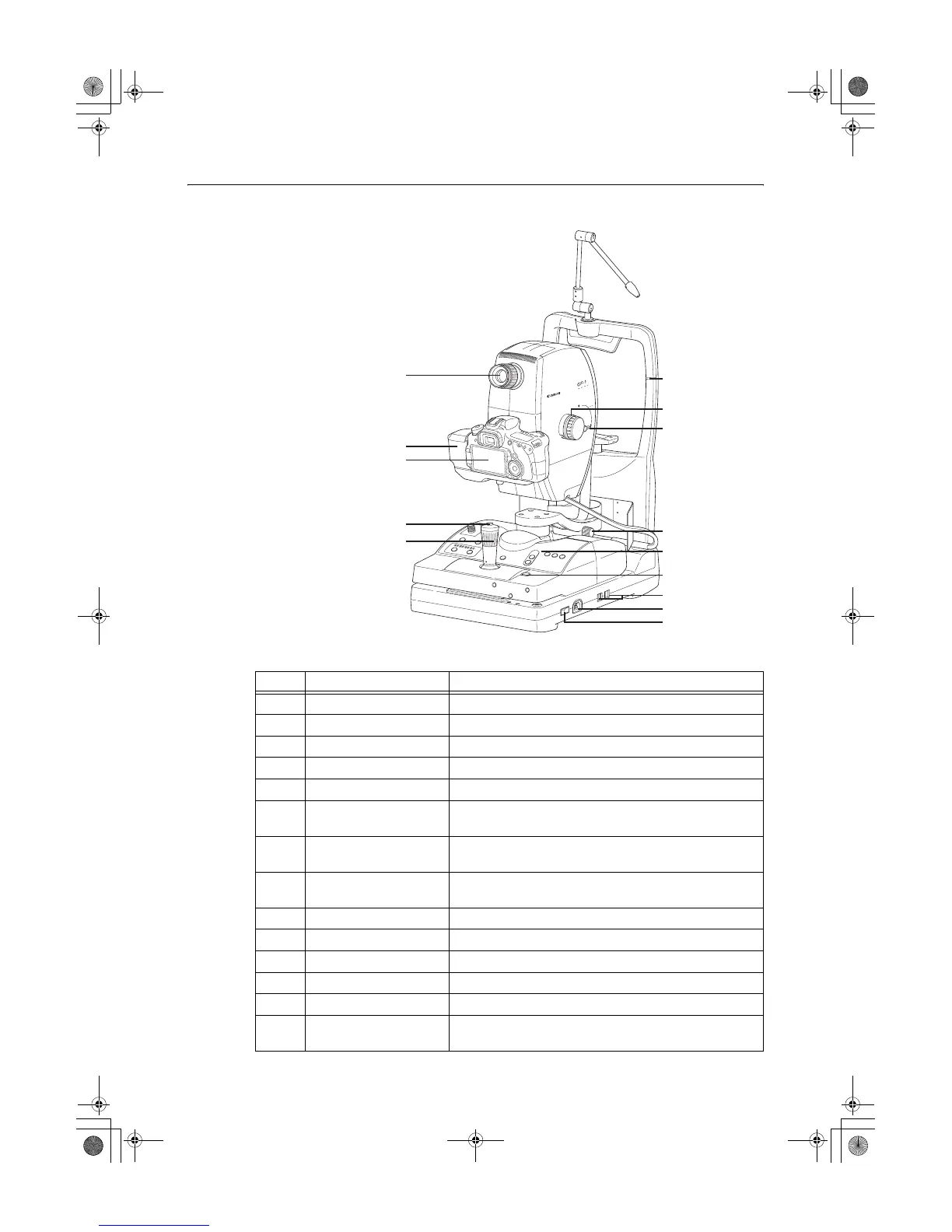
Symbol Name Function
j Viewfinder Use this when positioning and focusing on the patient’s eye.
k Digital camera cover Covers the terminal of the digital camera.
l Digital camera Takes fundus images (sold separately)
m Shutter release button Press this button to take an image.
n Operation lever Aligns the camera with the patient’s eye.
o Height adjustment mark
Adjust so that the height of the patient’s eye is aligned with this
mark. This is used for adjusting the height of the chin rest.
p Pan-tilt grip
Use when adjusting the camera angle from side to side and up
and down.
q Tilting lock lever
Loosen this lever when adjusting the camera angle in the vertical
direction.
r Panning lock knob Loosen this knob when adjusting the camera angle from side to side.
s Operation panel 3.2 Operation Panel (see page 24)
t Stage unit lock button Locks and unlocks the stage unit.
u USB connector The USB cable is connected.
v AC power connector The supplied power cable is connected.
w Power switch
The power turns ON when pressed to the I side, and the power
turns OFF when pressed to the O side.
j
k
l
m
n
o
q
r
s
t
u
v
w
p
000_L-IE-5152E_CF-1.book Page 23 Monday, July 29, 2013 10:30 AM


 To Next Page
 Loading...