4. Preparation
-26-
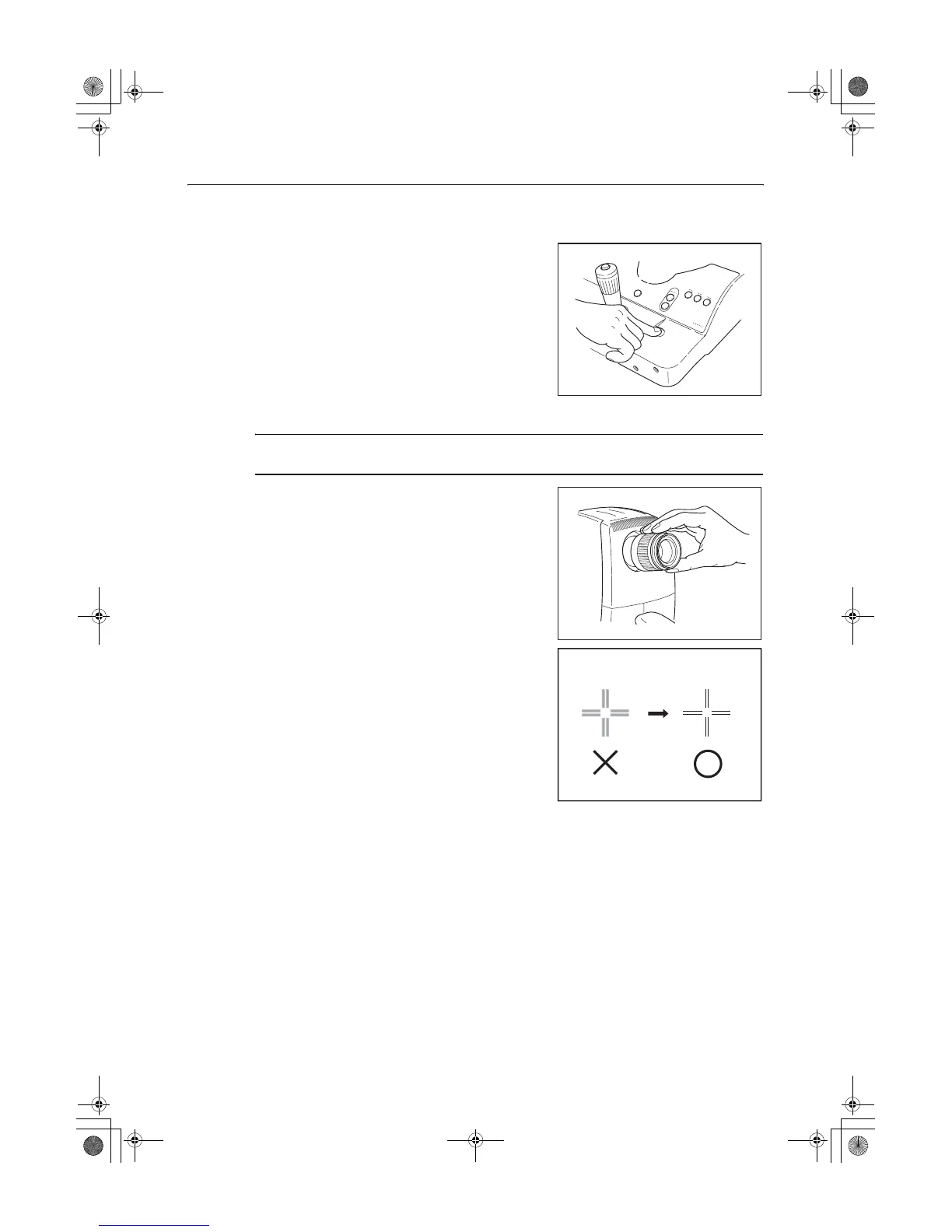
4.2 Unlock the stage unit.
If the stage unit is locked, press the stage unit lock button to
release the lock.
4.3 Adjust the viewfinder.
Note: Be sure to adjust the diopter of the viewfinder so it matches the diopter of the
photographer’s eye. Otherwise, focusing will not be able to be performed correctly.
Turn the viewfinder diopter compensation ring all the way
counterclockwise until it stops.
Then look into the viewfinder with one eye, and look into the
distance with the other eye.
Turn the diopter compensation ring all the way to the + side
and then gradually turn toward the - side until the cross-hair
lines in the field of view appear sharpest.
000_L-IE-5152E_CF-1.book Page 26 Monday, July 29, 2013 10:30 AM


 To Next Page