29
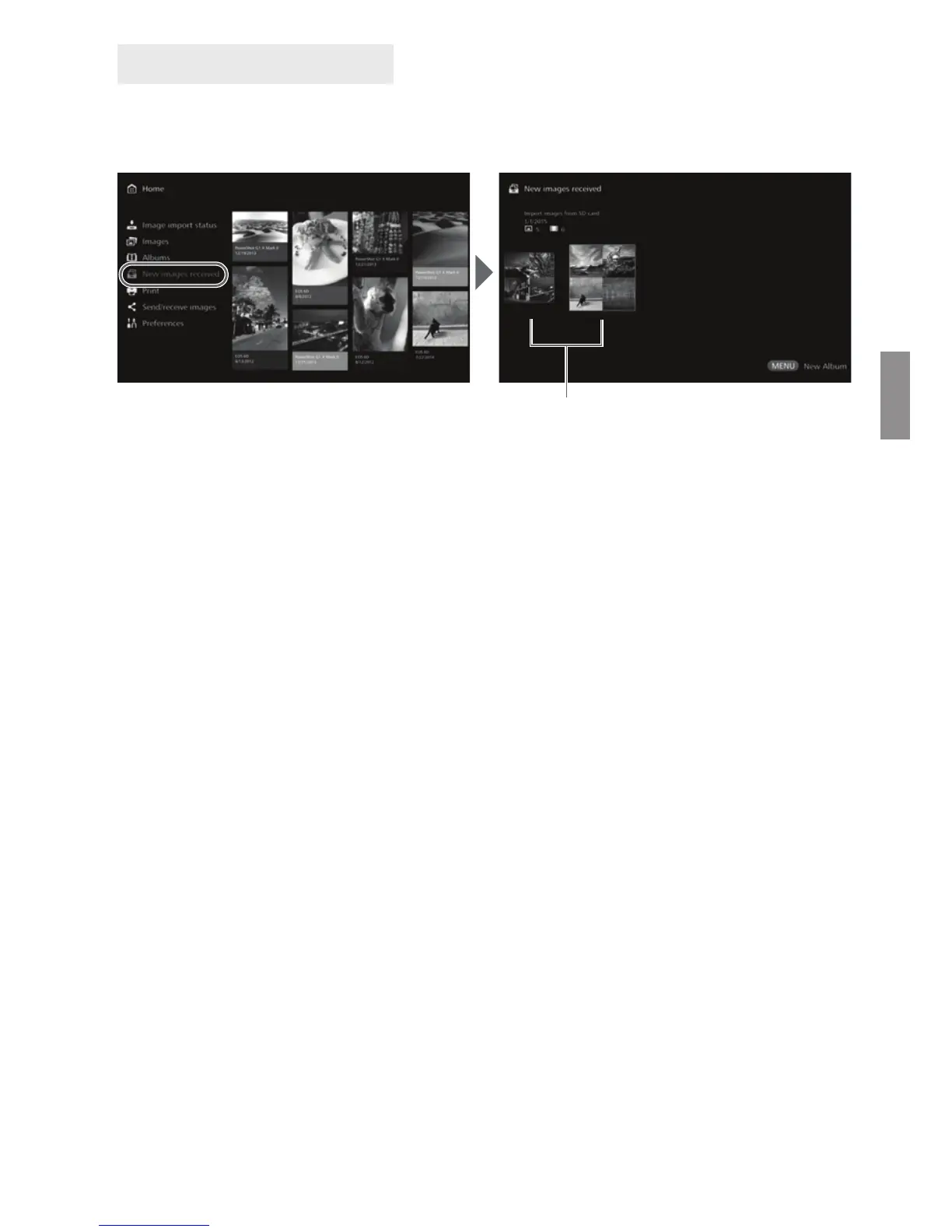
To view newly imported images, select [New images received] on the Home screen.
In the [New images received] screen, all simultaneously imported images are
managed as a group (new image group).
Up to five new image groups imported within the last one-month period are
managed in the order of the dates when they were imported.
When images are added, [u] is displayed in [New images received] on the
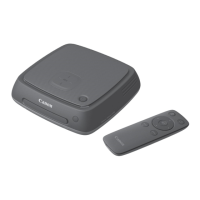
Home screen and the new image notification lamp (blue) blinks. When you select
[New images received] and press <S>, [u] and the lamp will turn off.
When you select a new image group and press <S>, the images in that group
will be displayed as thumbnails.
When you select a new image group and press <M>, that new image group
can be compiled into an album. If you import images each time when an event is
over, you can easily create an album for that event from [New images received].
Viewing New Images
New image group



 To Next Page