38
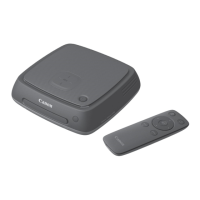
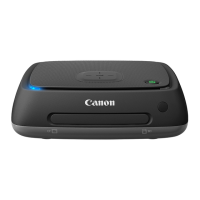
Print the still photos imported to Connect Station.
Printer that can be connected
You can print by connecting Connect Station to a printer supporting PictBridge
(Wireless LAN) or PictBridge (LAN) via an access point or a router.
Select the printer to connect to. Before performing this operation, connect the printer
to the same access point or a router as Connect Station.
1
Operate the printer to connect
to the access point, router,
etc.
2
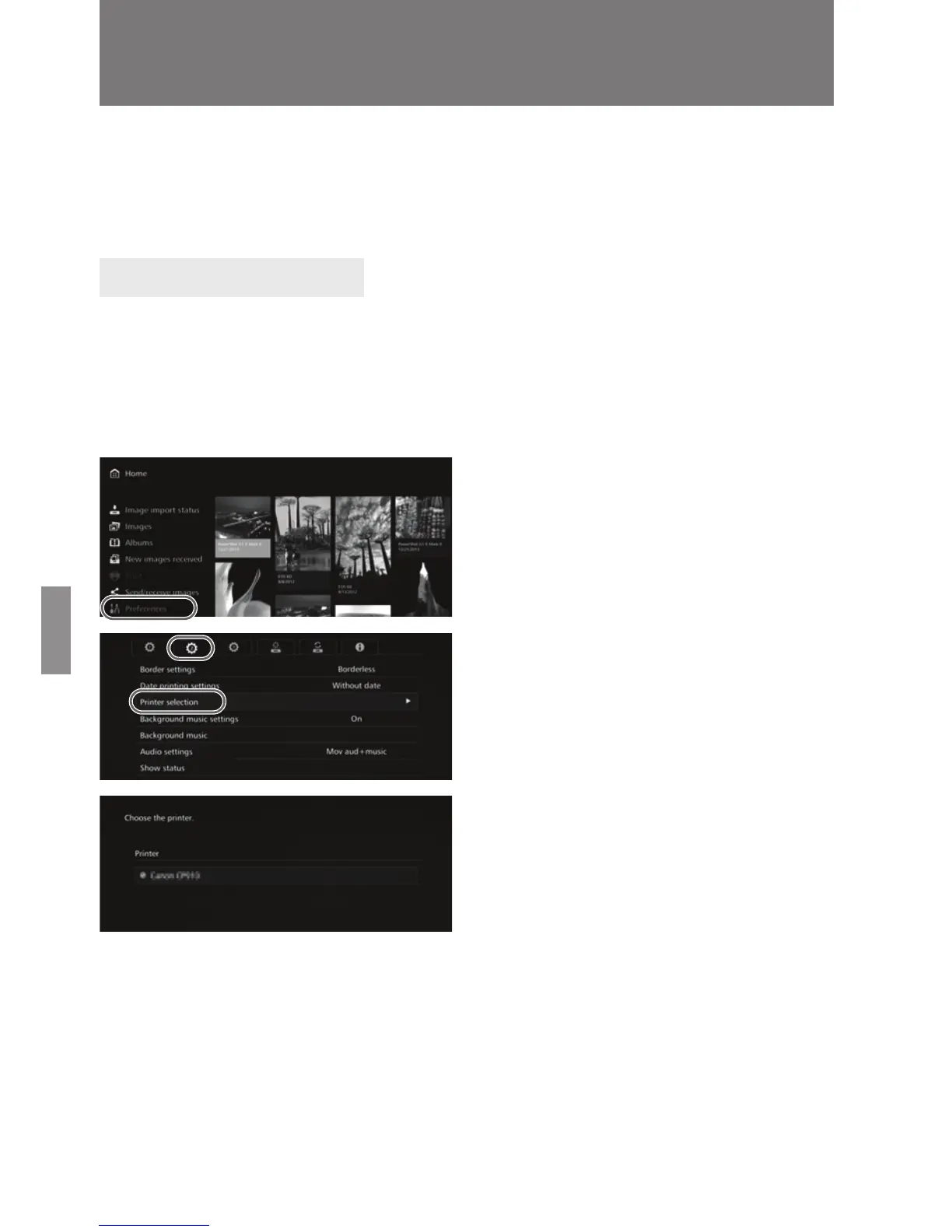
Select [Preferences].
Select [Preferences] on the
Home screen.
3
Select [Printer selection].
Under the [b] tab, select
[Printer selection].
X The printers that can be
connected will be listed.
4
Select a printer.
Press the <d> <f> keys to
select the printer, then press
<S> to append [z] for the
printer to be connected.
If only one printer has been
detected, [z] is already
appended.
After checking that [z] is
appended, press <B> or
<H> to exit the setting screen.
Printing Still Photos
Setting Up a Printer


 To Next Page