62
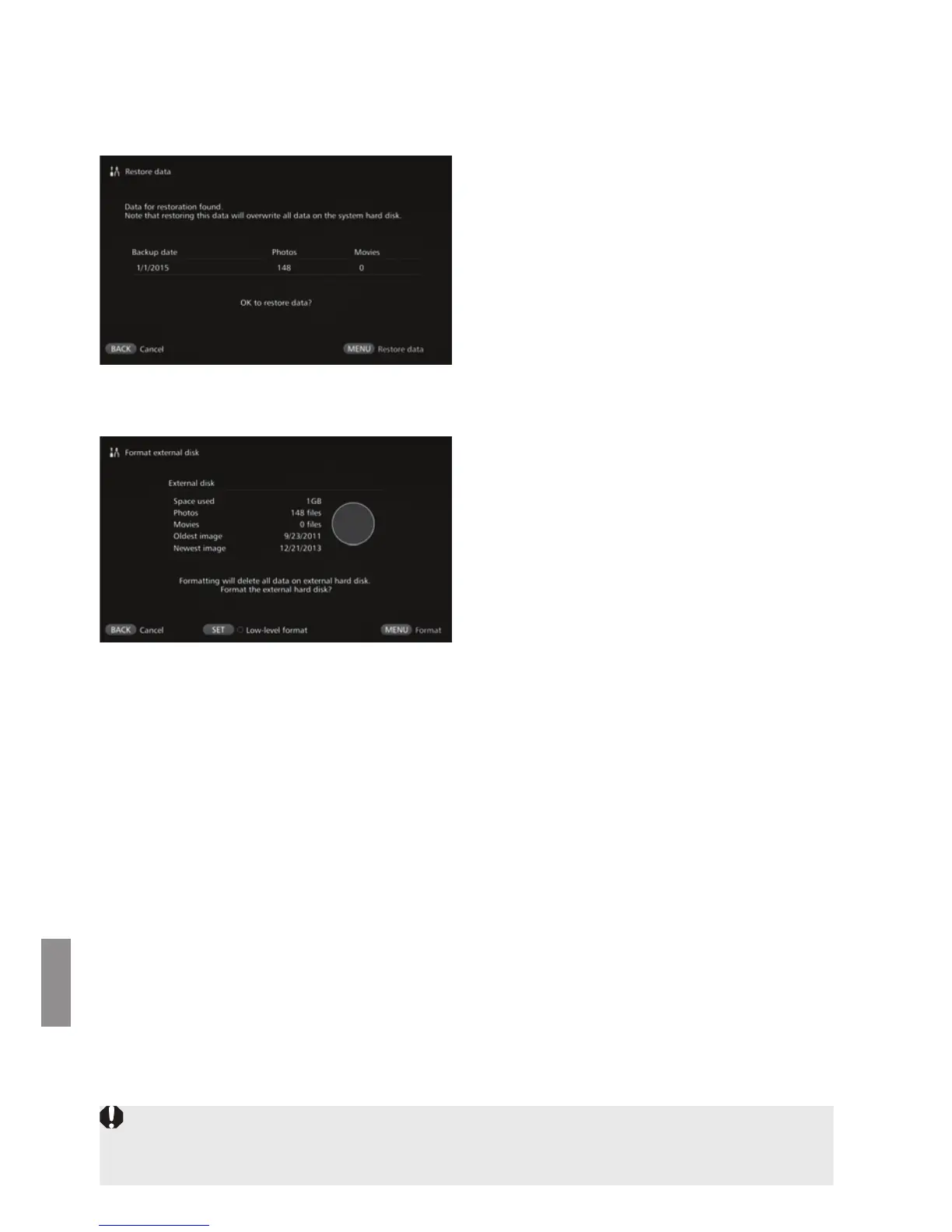
[Restore data]
If Connect Station malfunctions or data is lost, you can restore the backup data.
Also, you can restore Connect Station to the latest state of back up, in case you
accidentally delete the images on Connect Station.
When you press <
M
>, the
data restoring will start.
[Format external disk]
Delete all the data recorded on an external hard disk to format it.
When you press <M>, the
formatting of the external hard
disk will start.
The normal formatting cannot
delete all the data on the external
hard disk. To delete the data
completely, press <S> to
append [z] for [Low-level
format], then execute formatting.
The standard time it takes for
formatting is as follows.
• Normal formatting: Approx. 4
minutes
• Low-level formatting: Approx. 11
hours and 30 minutes
* When using a hard disk with a
capacity of 1 TB.
Notes on Data Restoring
When restoring data, execute data restoring before importing any images. All
images imported before restoring will be deleted.



 To Next Page