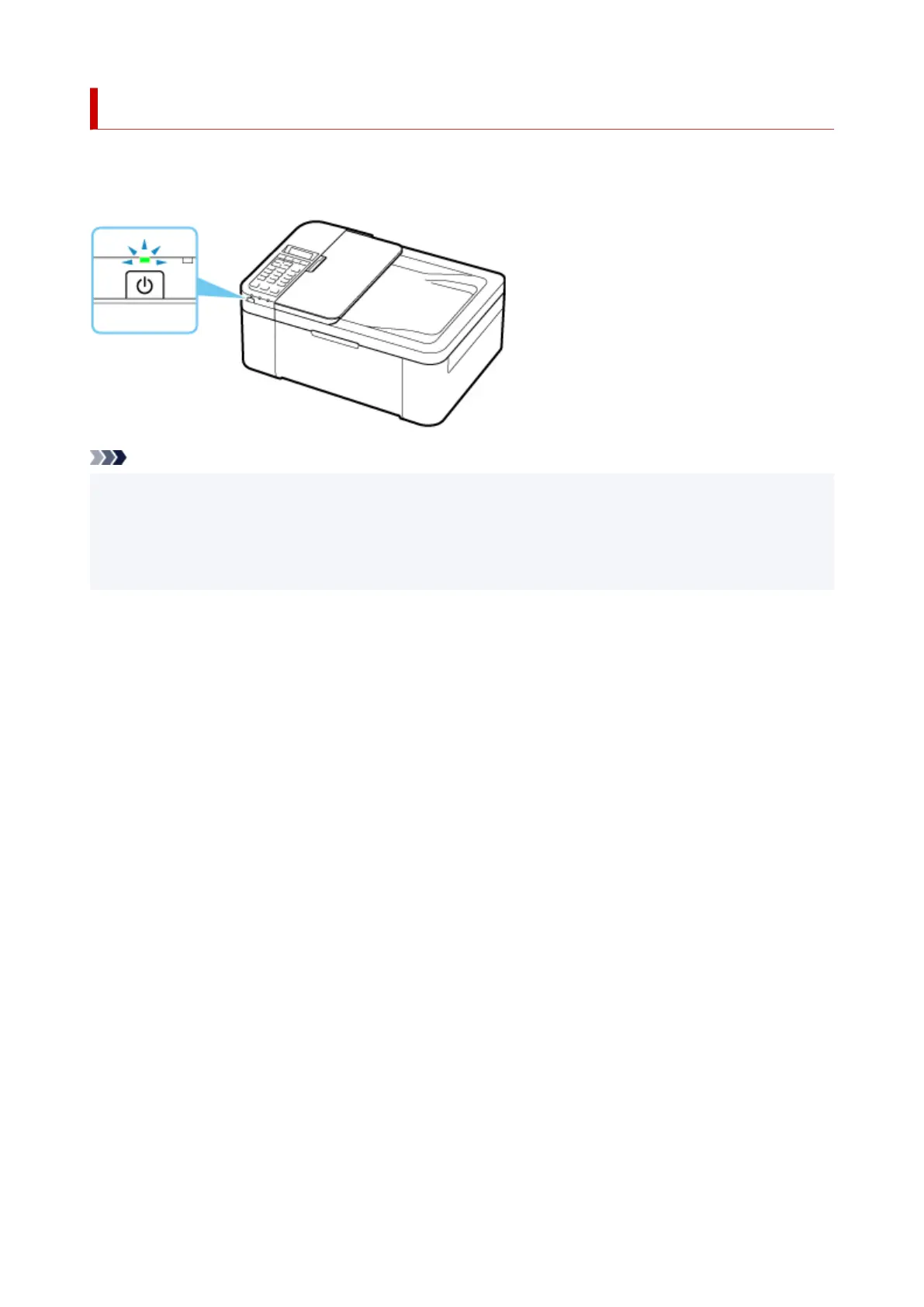
Checking that Power Is On
The ON lamp is lit when the printer is turned on.
Even if the LCD is off, if the ON lamp is lit, the printer is on.
Note
• It may take a while for the printer to start printing immediately after you turn on the printer.
• The LCD will turn off if the printer is not operated for about 10 minutes. To restore the display, press
any button or perform the print operation. The display will be also restored when receiving faxes. You
cannot change the wait time before the LCD turns off.
166







 To Next Page