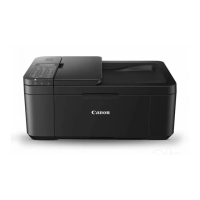
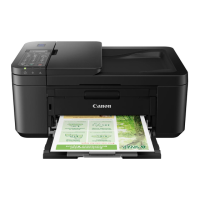
* The above figure shows the printer with the paper output tray raised.
5.
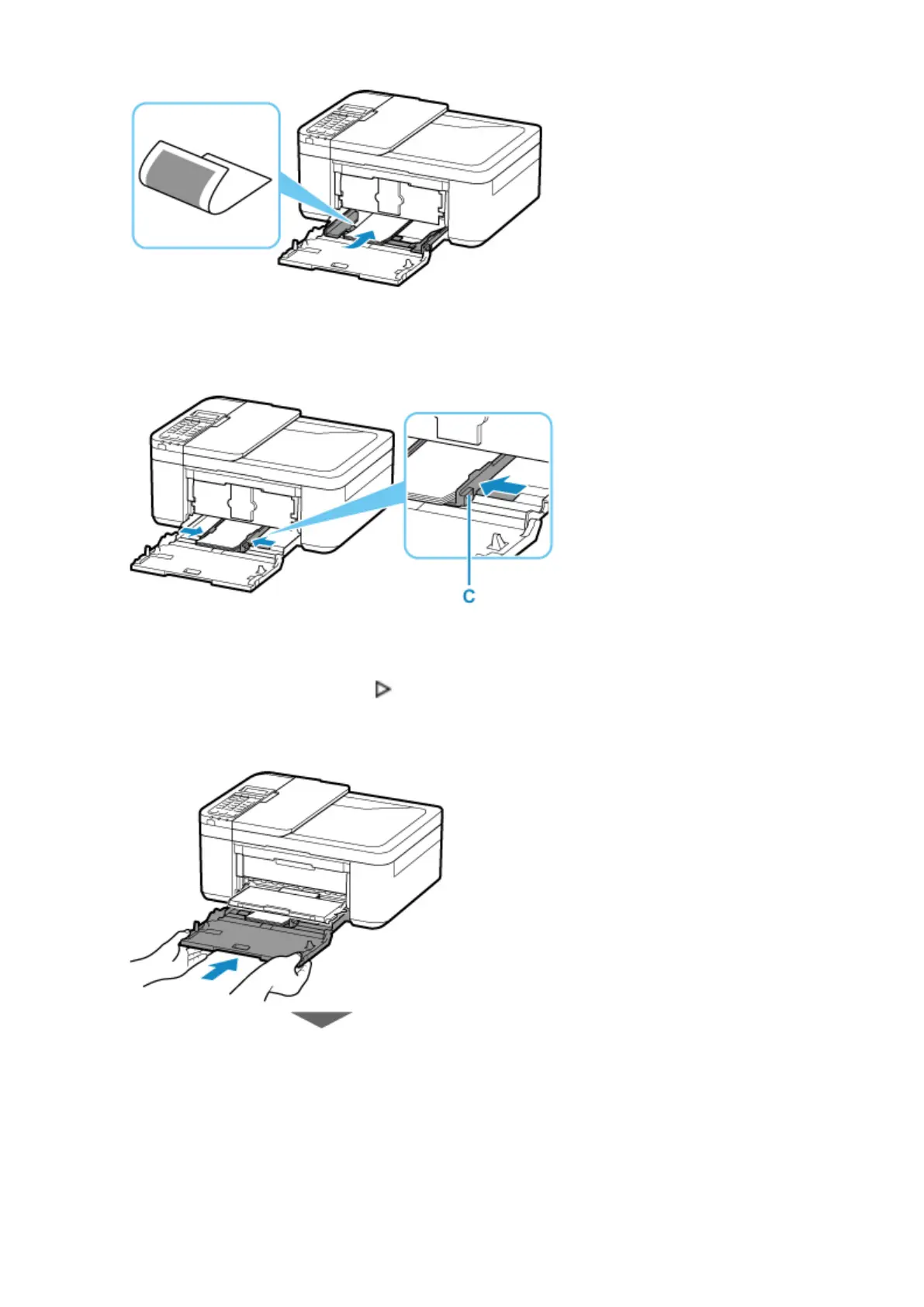
Slide the right paper guide (C) to align the paper guides with both sides of the paper stack.
* The above figure shows the printer with the paper output tray raised.
6.
Push cassette back until arrow ( ) on front cover is aligned with edge of printer.
After pushing the cassette back, the paper information registration screen for the cassette is displayed
on the LCD.
36


 To Next Page
 Loading...