5100
Cause
Printer error has occurred.
What to Do
Cancel printing and turn off the printer.
Check the following:
• Make sure FINE cartridge holder motion is not impeded by stabilizer, jammed paper, etc.
Remove any impediment.
• Make sure the FINE cartridges are properly installed.
Push up the FINE cartridge until it clicks into place.
Turn the printer back on.
If this does not solve the problem, contact your nearest Canon service center to request a repair.
Important
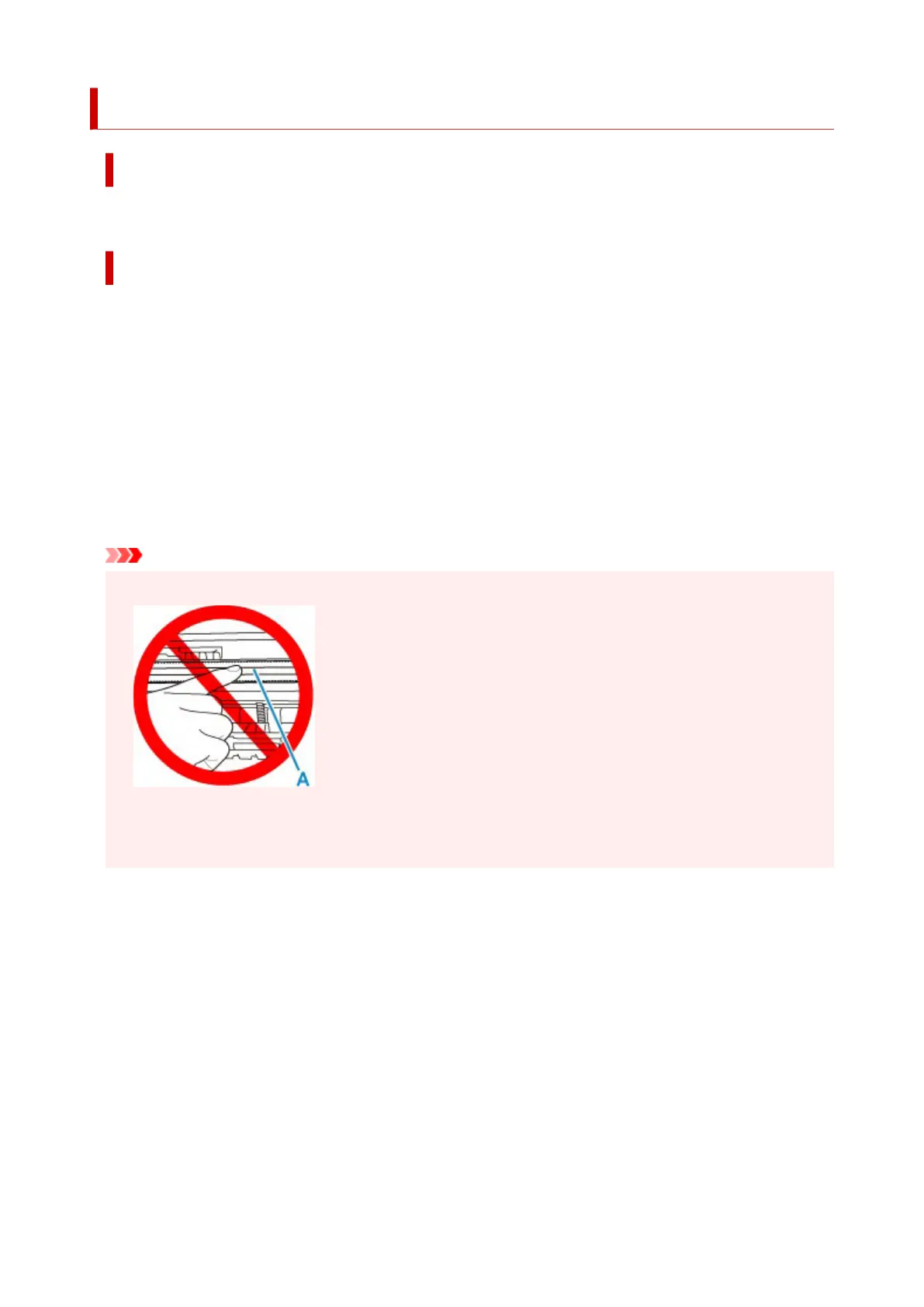
• When clearing an impediment to FINE cartridge holder motion, be careful not to touch clear film (A).
If you soil or scratch this part by touching it with paper or your hand, it could damage the printer.
• If you unplug the power cord, all the faxes stored in the printer's memory are deleted.
565



 To Next Page