271
3 Setting the Time Code
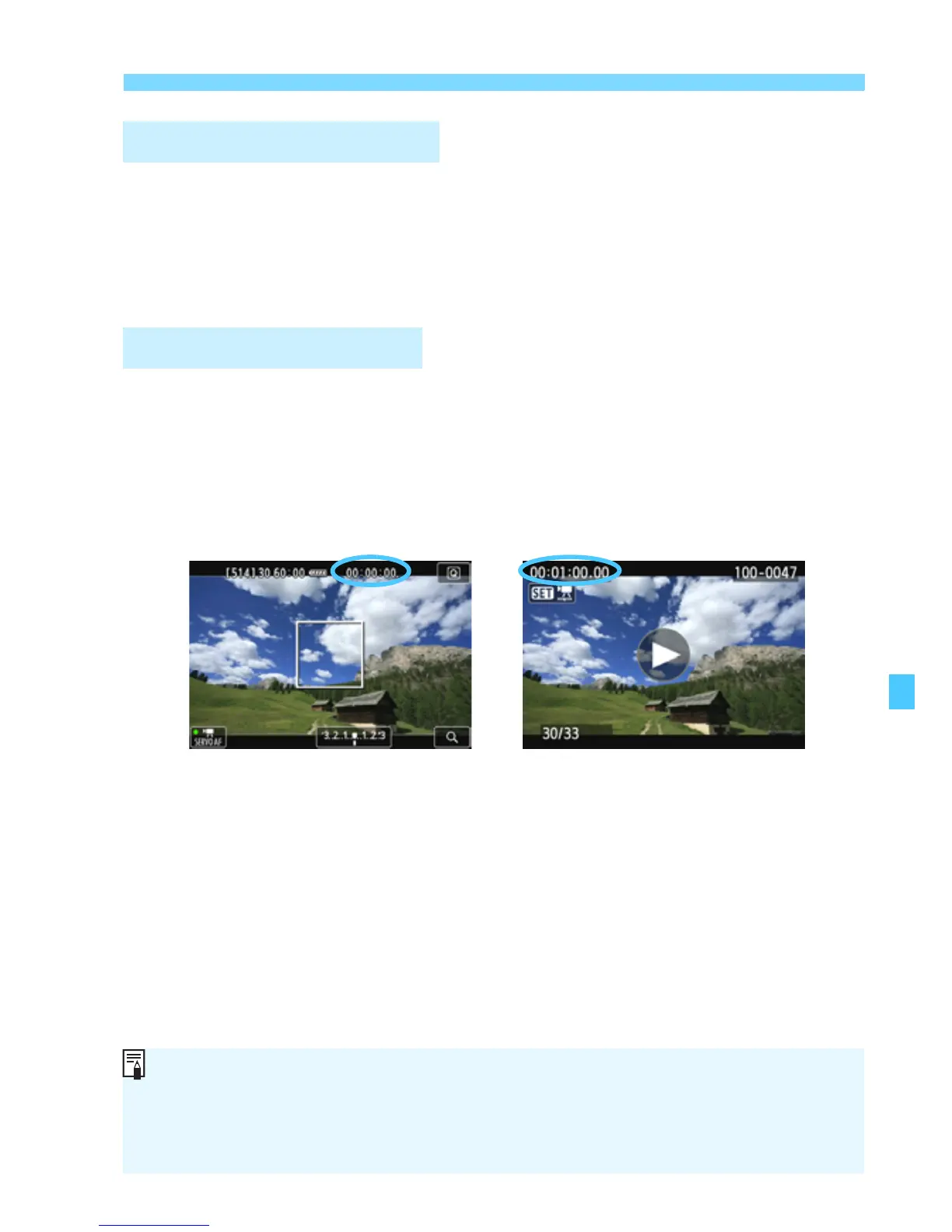
You can select what to display on the movie-shooting screen.
[Rec time] : Indicates the elapsed time from the start of the movie
shooting.
[Time code] : Indicates the time code during movie shooting.
You can select what to display on the movie playback screen.
[Rec time] : Displays the recording time and playback time during
movie playback.
[Time code] : Displays the time code during movie playback.
Movie Recording Count
Movie Playback Count
During movie shooting During movie playback
With [Time code] set:
If you change the setting for either [Movie play count] in [Z2: Time
code] or for [x3: Movie play count], the o her setting will also change
accordingly.
“Frames” are not displayed during movie shoo ing and movie playback.



 To Next Page