11-6
Troubleshooting
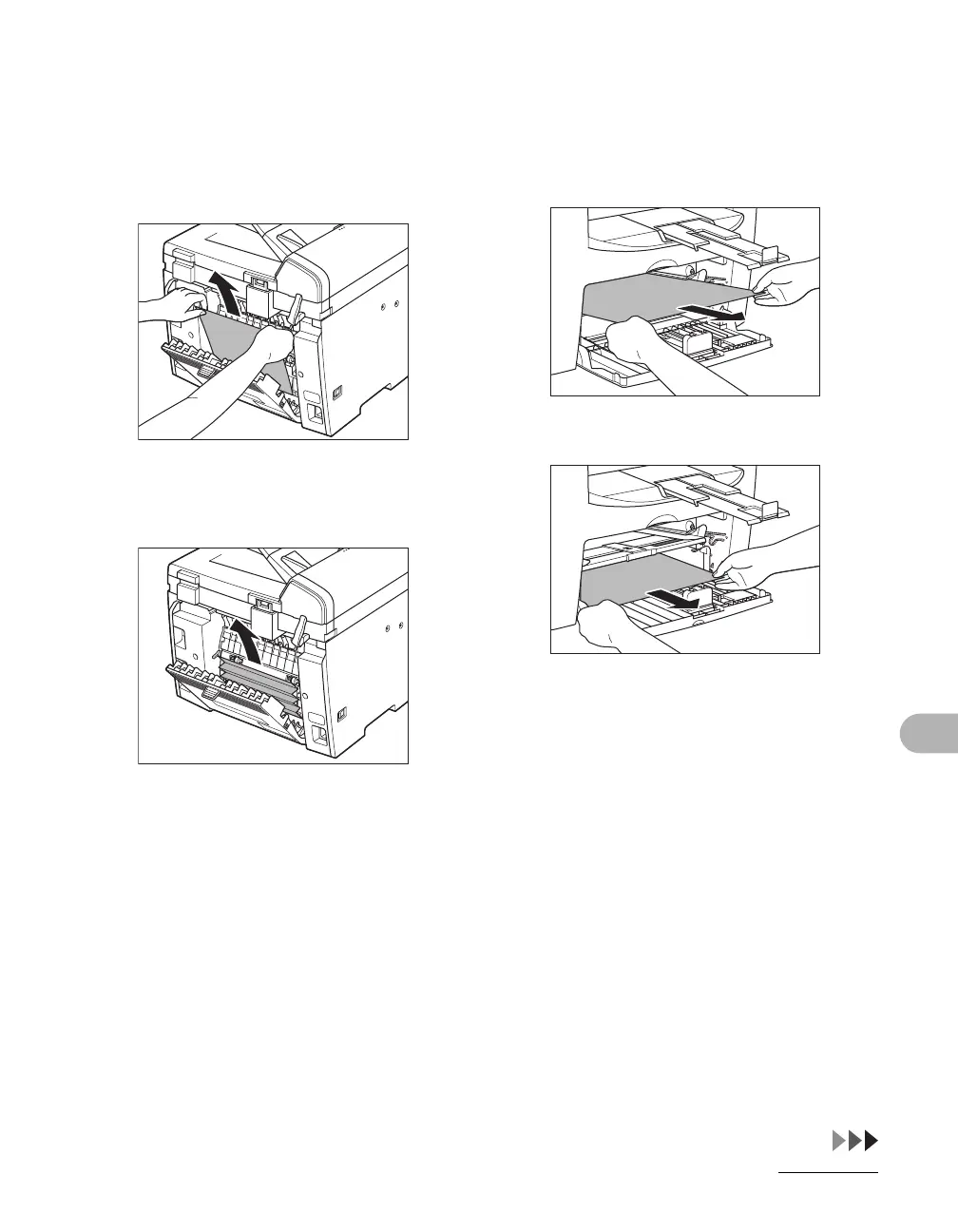
9 Hold both sides of the jammed
paper and gently pull it out
upward.
This operation is required only when
<PAPER JAM/OPEN REAR COVER>
appears on the LCD display.
If the jammed paper is badly folded, similar
to the folds of an accordion, ease the
jammed paper loose and then pull it out
from the machine.
10 Hold both sides of the jammed
paper and slowly pull it out in
the direction of the arrow.
– When feeding paper from the paper
feeding tray:
– When feeding paper from the multi-
purpose tray:










 To Next Page