1-14
Before Using the Machine
Setting Daylight Saving Time
In some countries or areas, time is advanced throughout the summer season. This is
called “Daylight Saving Time.”
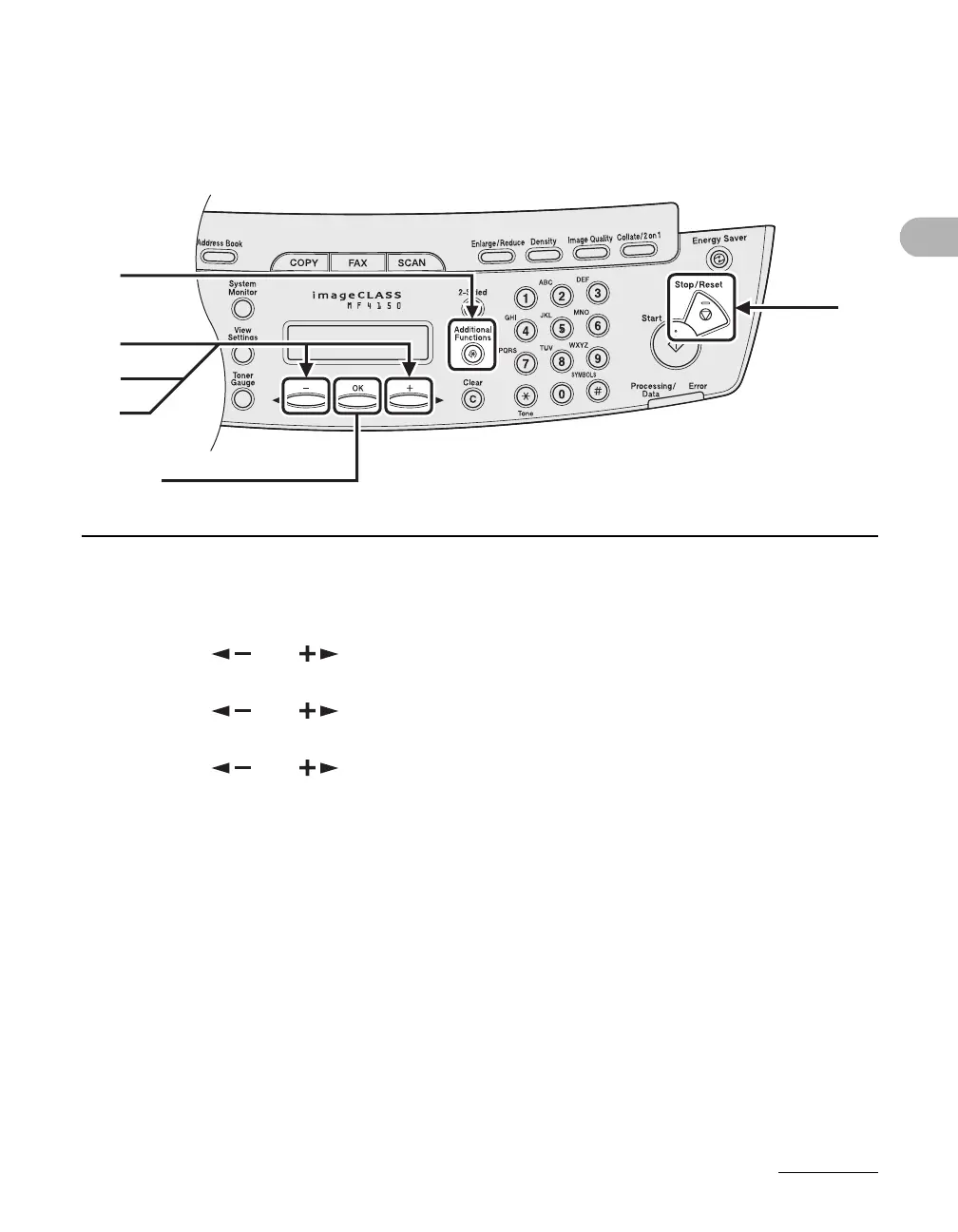
1 Press [Additional Functions].
2 Press [ ] or [ ] to select <TIMER SETTINGS>, then press [OK].
3 Press [ ] or [ ] to select <DAYLIGHT SV.TIME>, then press [OK].
4 Press [ ] or [ ] to select <ON> or <OFF>, then press [OK].
<ON>: adapts to Daylight Saving Time.
<OFF>: does not adapt to Daylight Saving Time.
5 Press [Stop/Reset] to return to the standby mode.
1
2
4
[OK]
5
3










 To Next Page