1-7
Before Using the Machine
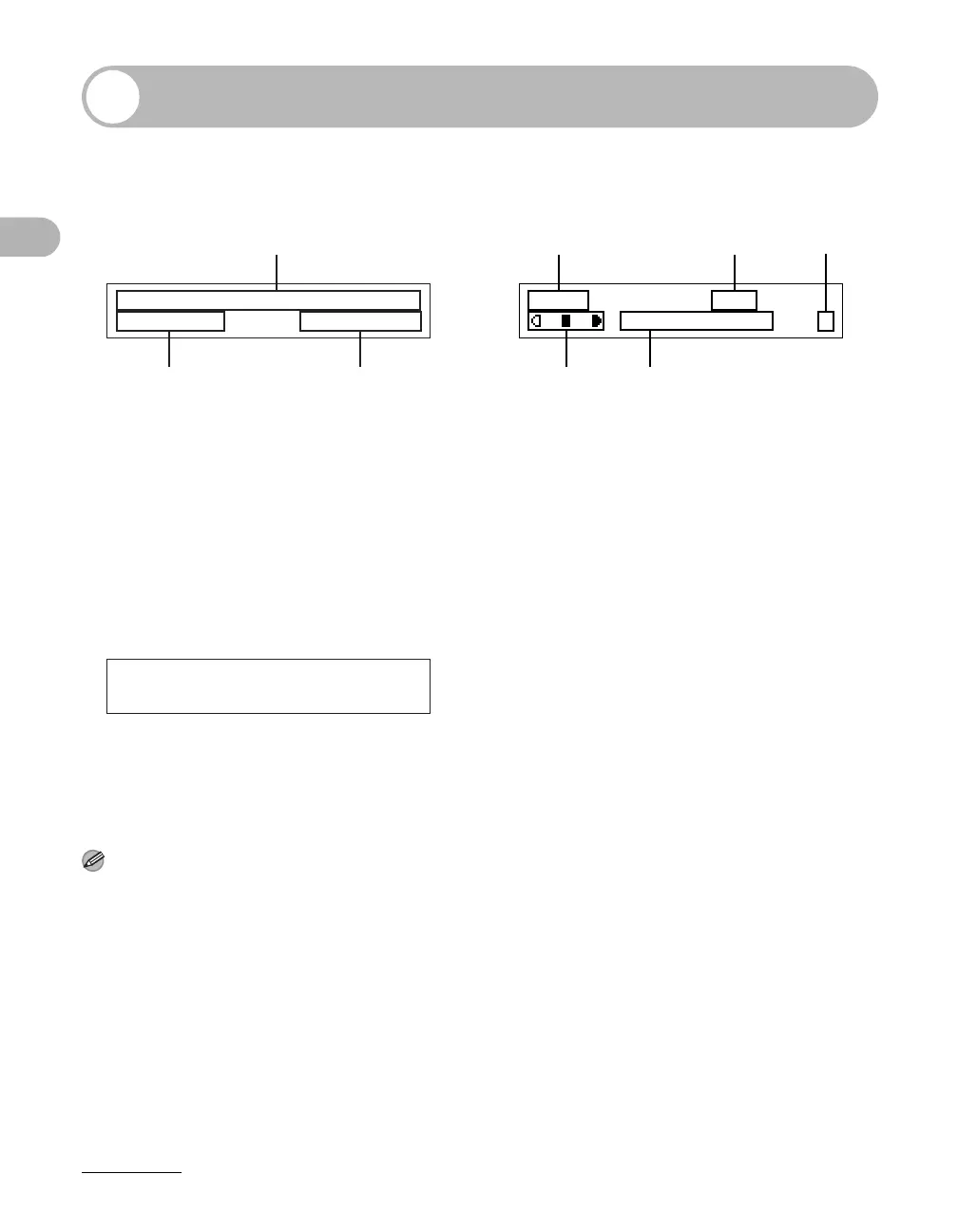
LCD (Standby Mode)
Fax Mode
ADate & Time
B Receive mode
C Image quality
Copy Mode
A Zoom ratio
B Paper size
C Quantity
DDensity
E Image quality
Scan Mode
NOTE
– Depending on your needs, you can change the
standby display which appears when the main
power switch is turned on. For details, see
“Setting Menu,” on p. 12-5.
– When the main power switch is turned on, the
LCD displays <PLEASE WAIT> first, and then
displays <INITIALIZING...> until the standby
display appears. It is also possible to see the
standby display without having
<INITIALIZING...> shown.
– If the machine remains idle for one minute, the
display returns to the standby mode (Auto Clear
Function).
12/31/2006 SUN 10:50
FaxOnly STANDARD
A
BC
100% LTR
TEXT/PHOTO 1
A
DE
BC
SCANNING MODE










 To Next Page