4-24
Sending Faxes
● Deleting Destination from Group
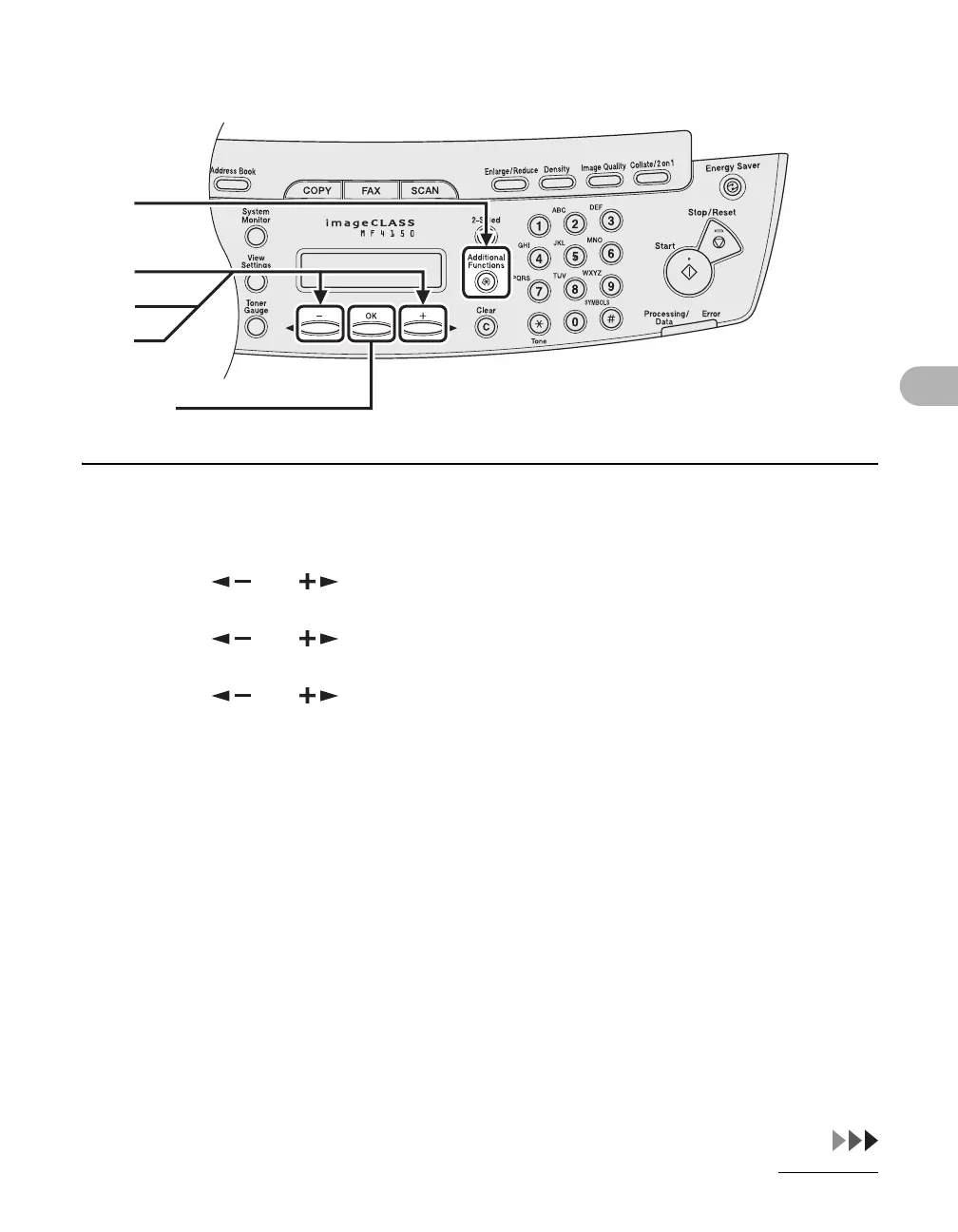
1 Press [Additional Functions].
2 Press [ ] or [ ] to select <ADDRESS BOOK SET.>, then press [OK].
3 Press [ ] or [ ] to select <GROUP DIAL>, then press [OK].
4 Press [ ] or [ ] to select a group dial to delete, then press [OK].
The group name appears.
5 Press [OK].
1
2
4
[OK]
3










 To Next Page