3-4
Print Media
Loading Paper
To load paper in the paper feeding tray, see “Set Up the Paper Trays and Load
Paper,” in the Starter Guide.
Into the Multi-Purpose Tray
Use the multi-purpose tray when you want to copy or print on the different paper which
is in the paper feeding tray. Load paper one by one in the multi-purpose tray.
NOTE
– The paper in the multi-purpose tray is fed prior to the paper in the paper feeding tray.
– The recommended envelopes are COM10, MONARCH, DL, and ISO-C5. Using other envelopes may
affect the quality of the printout.
– Make sure to set the correct paper size in the printer driver. (See Online Help.)
– When printing received documents, it is possible to feed paper only from the paper feeding tray. If paper
is loaded into the multi-purpose tray, <REMOVE MP PAPER> appears.
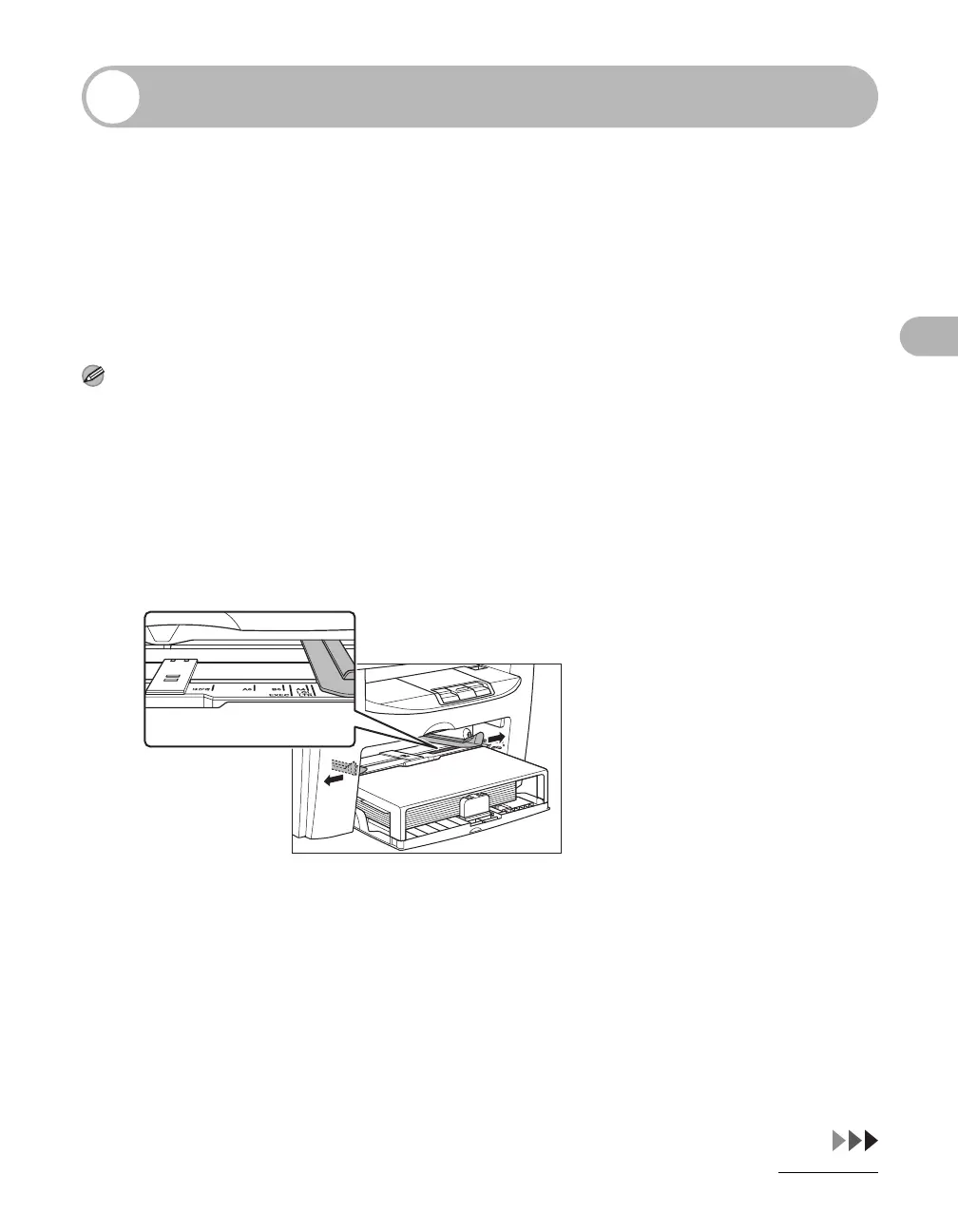
1 Spread the paper guides a little wider than the actual paper width.










 To Next Page