11-3
Troubleshooting
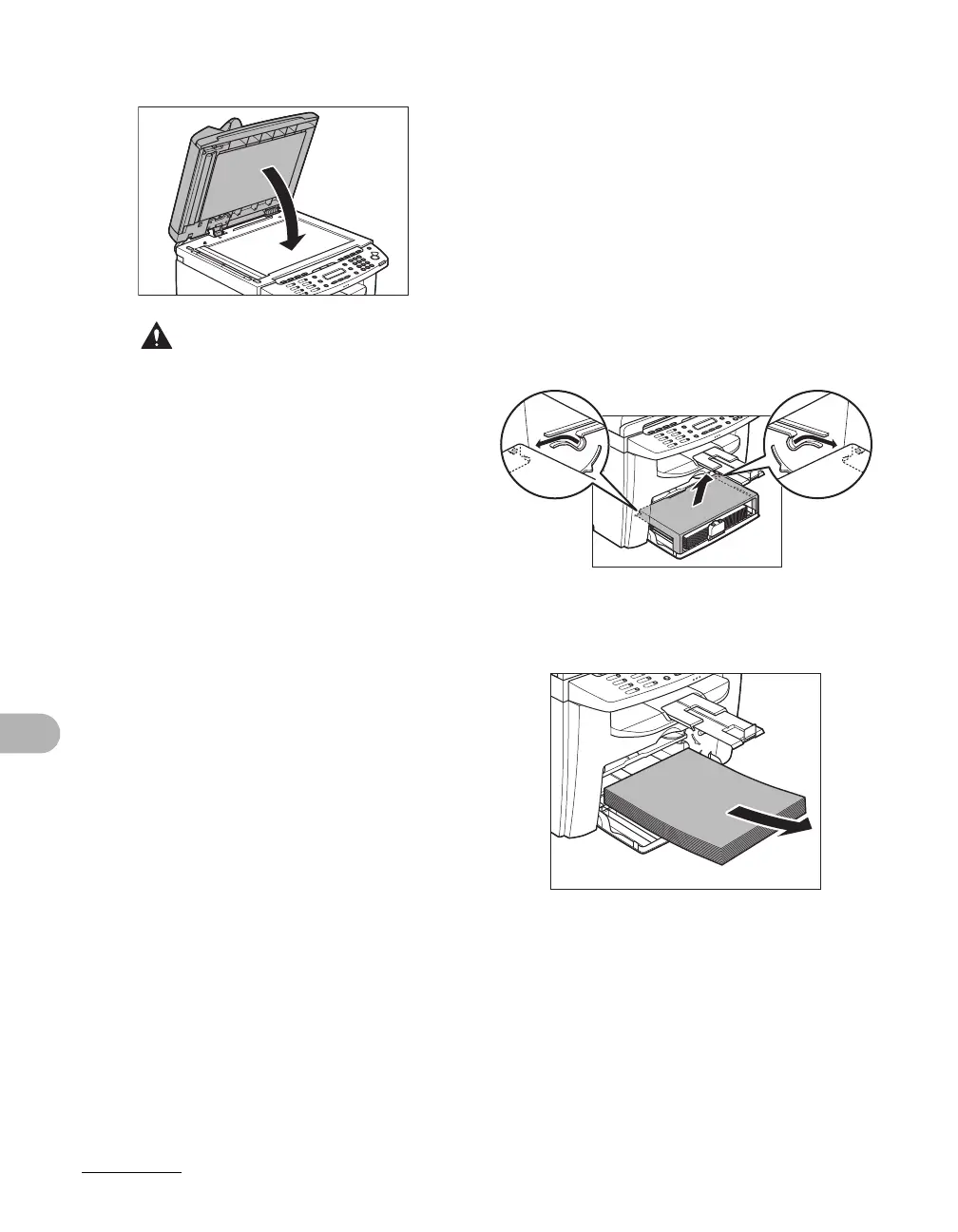
6 Close the ADF.
CAUTION
Be careful not to get your fingers caught.
Paper Jams
When <PAPER JAM> or <PAPER JAM/
OPEN REAR COVER> appears on the
LCD display, remove jammed paper from
the inside of the machine first, then from
the paper feeding tray or multi-purpose
tray if necessary.
1 Remove the dust cover from the
paper feeding tray.
2 Remove the paper in the paper
feeding tray.










 To Next Page