12-4
Machine Settings
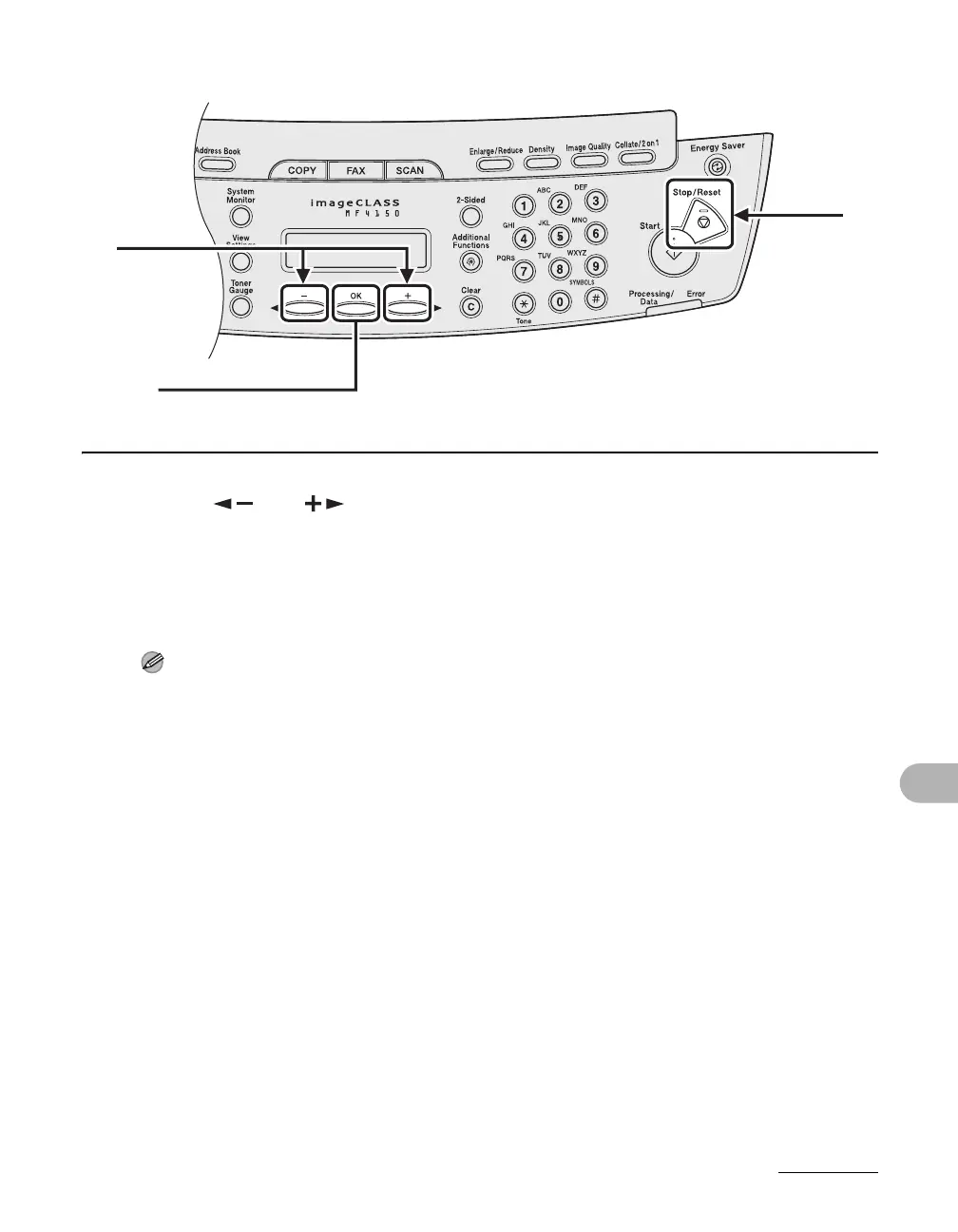
3 Press [ ] or [ ] to select a submenu, then press [OK].
4 To register the settings or go to a submenu item, press [OK].
5 When finished, press [Stop/Reset] to return to the standby mode.
NOTE
Press [Stop/Reset] to exit from the menu. If you press [Stop/Reset] before pressing [OK], the
setting will not be registered.
3
[OK]
5










 To Next Page