4-4
Sending Faxes
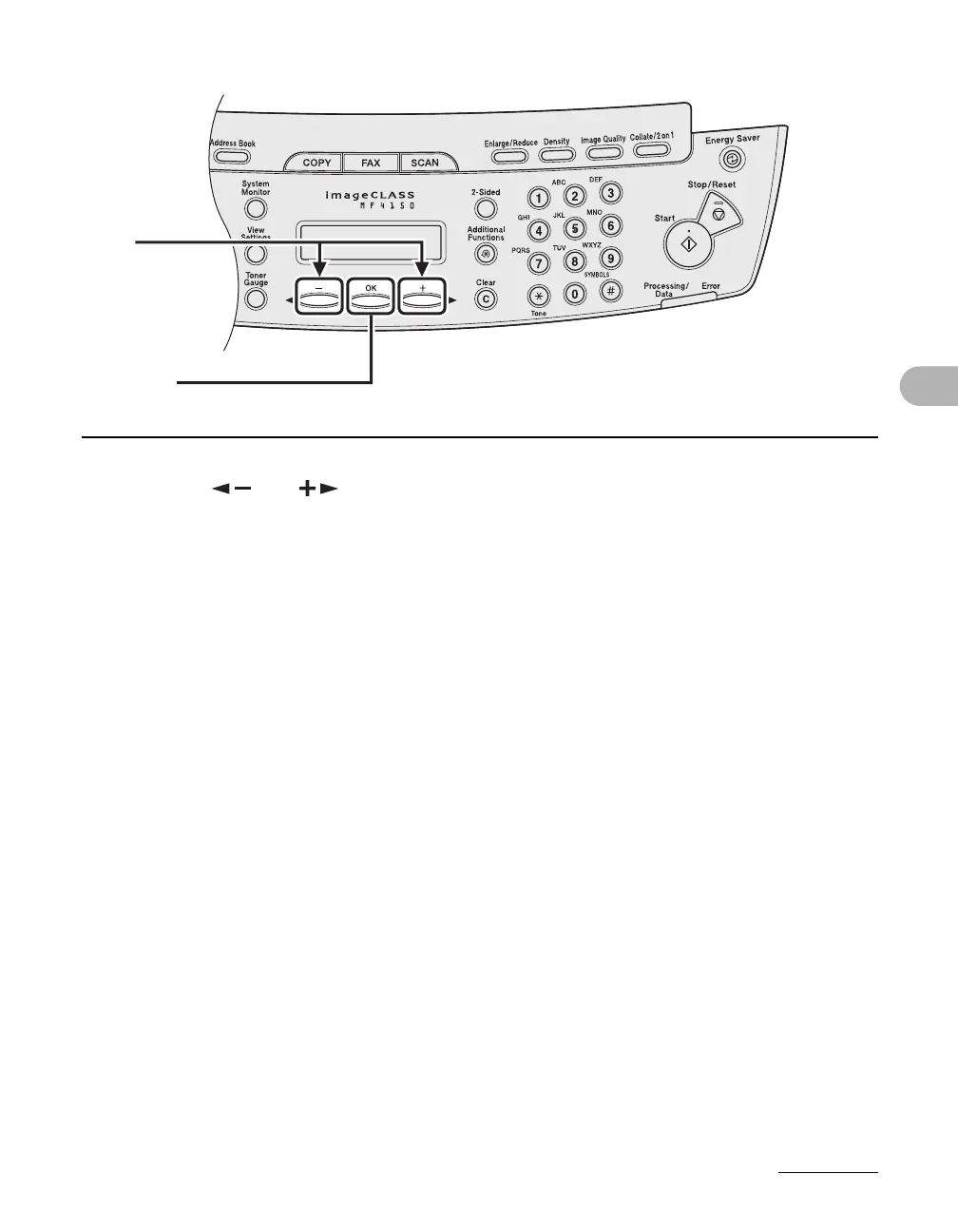
3 Press [ ] or [ ] to select the resolution, then press [OK].
<STANDARD> for most text-only documents. (200 x 100 dpi)
<FINE> for fine-print documents (the resolution is twice that of <STANDARD>). (200 x 200 dpi)
<PHOTO> for documents that contain photographs (the resolution is twice that of <STANDARD>).
(200 x 200 dpi)
<SUPER FINE> for documents that contain fine print and images (the resolution is four times that
of <STANDARD>). (200 x 400 dpi)
3
[OK]










 To Next Page