1
2
3
4
5
6
7
8
9
10
11
Back
Next
Previous
TOP
7-16
Before Using the
Machine
Document and Paper
Copying
Sending and
Receiving
Printing and
Scanning
Network
Remote UI
System Manager
Settings
Maintenance
Troubleshooting
Appendix
Index
Table of Contents
Import/Export Function
The Remote UI enables you to save the Address Book data in
your computer or load address book into the machine from
saved files. The Import/Export function is intended for data
exchange, and is available only through the Remote UI.
The Import/Export operation may take more than a few minutes to
complete. Do not turn the machine’s main power off until the operation is
complete. Otherwise, the machine may malfunction.
If the machine is in the Sleep mode, press [Energy Saver] on the
operation panel to cancel the Sleep mode before performing an Import
operation.
During an Export operation, the screen display does not change until the
operation is complete. Do not click [Start Export] while the hourglass or
pointer indicates that the operation is still being processed.
[Import/Export] is displayed only when you are in the Administrator
Mode.
–
–
–
Saving the Address Book
You can store the Address Book as a file in your computer.
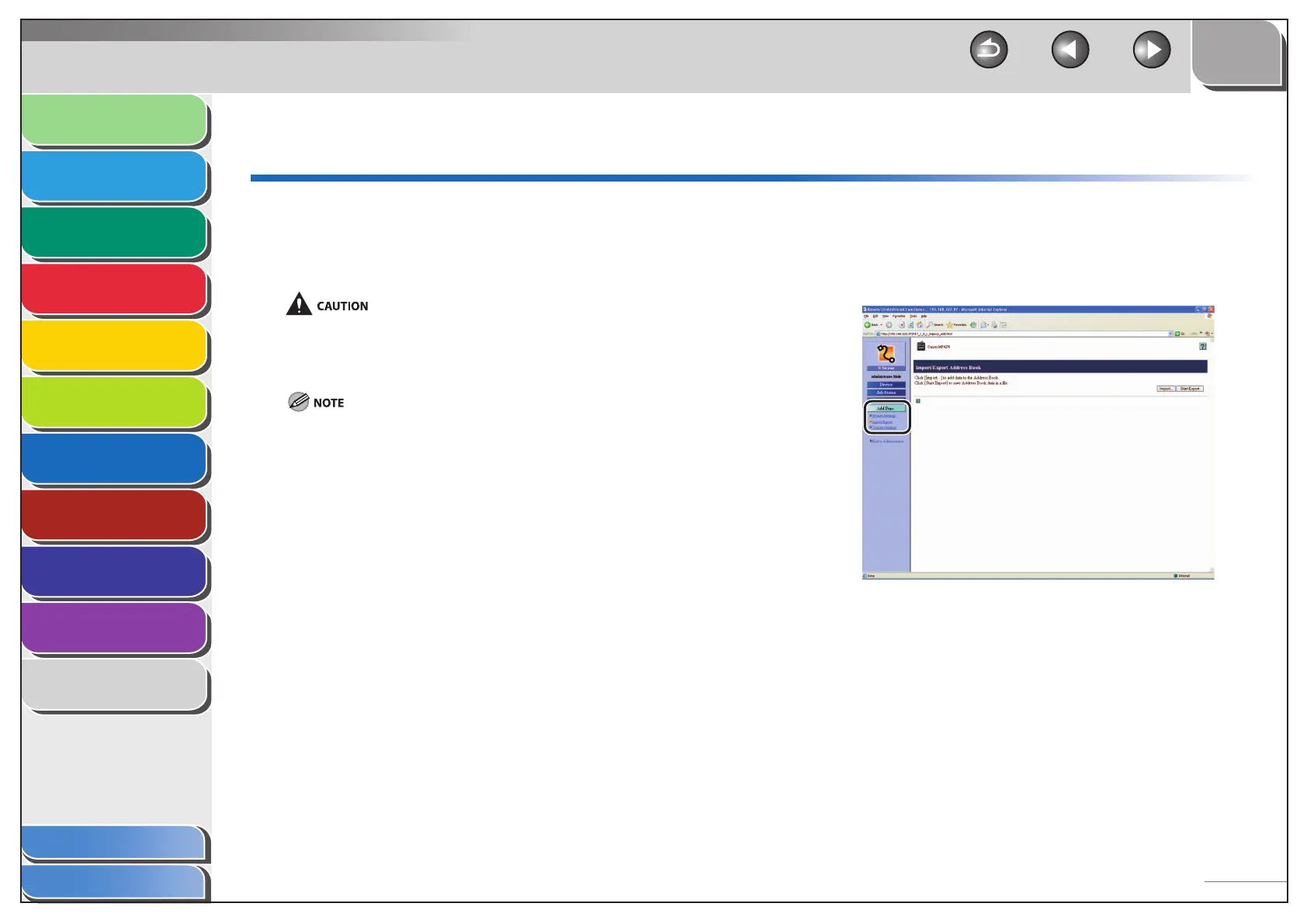
1. Click [Add.Func.] select [Import/Export] from
the menu that appears under [Add.Func.].
■


 To Next Page
 Loading...










