13
Connecting a Network Cable
Connecting a Network Cable
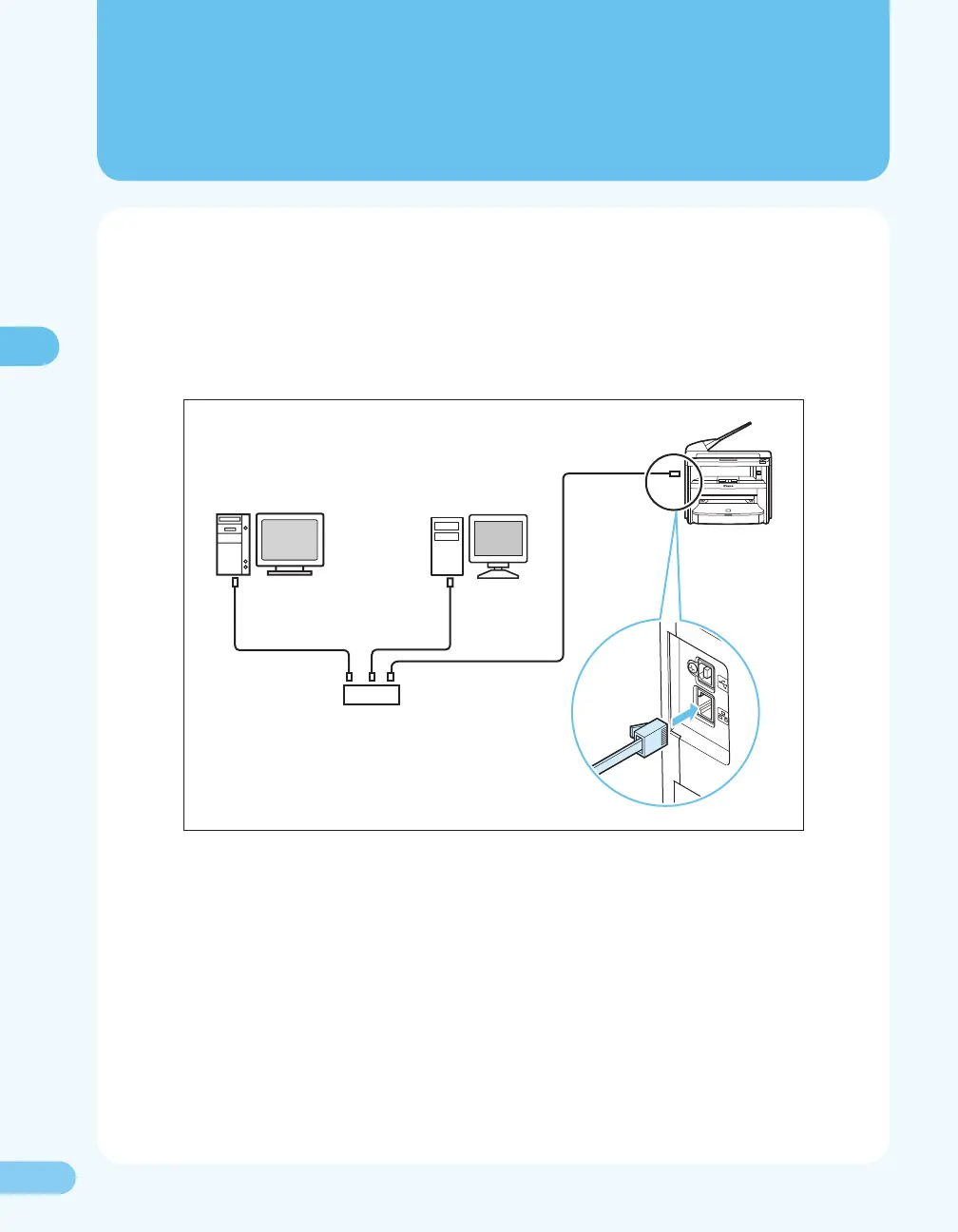
To connect the network cable, follow the procedure below.
1. Remove the seal from 10Base-T/100Base-TX port on the back of the machine.
2. Connect one end of the Category 5 or greater twisted pair cable to 10Base-T/100Base-TX port.
Connect the other end to the network router or hub.
3. Turn on the main power switch.
That completes the connection of the network cable.
Please proceed to “Setting the IP Address,” ( P. 14).










 To Next Page