1717
Using the Remote UI
Using the Remote UI
Starting the Remote UI
To start the Remote UI, follow the procedure below.
1. Start the web browser.
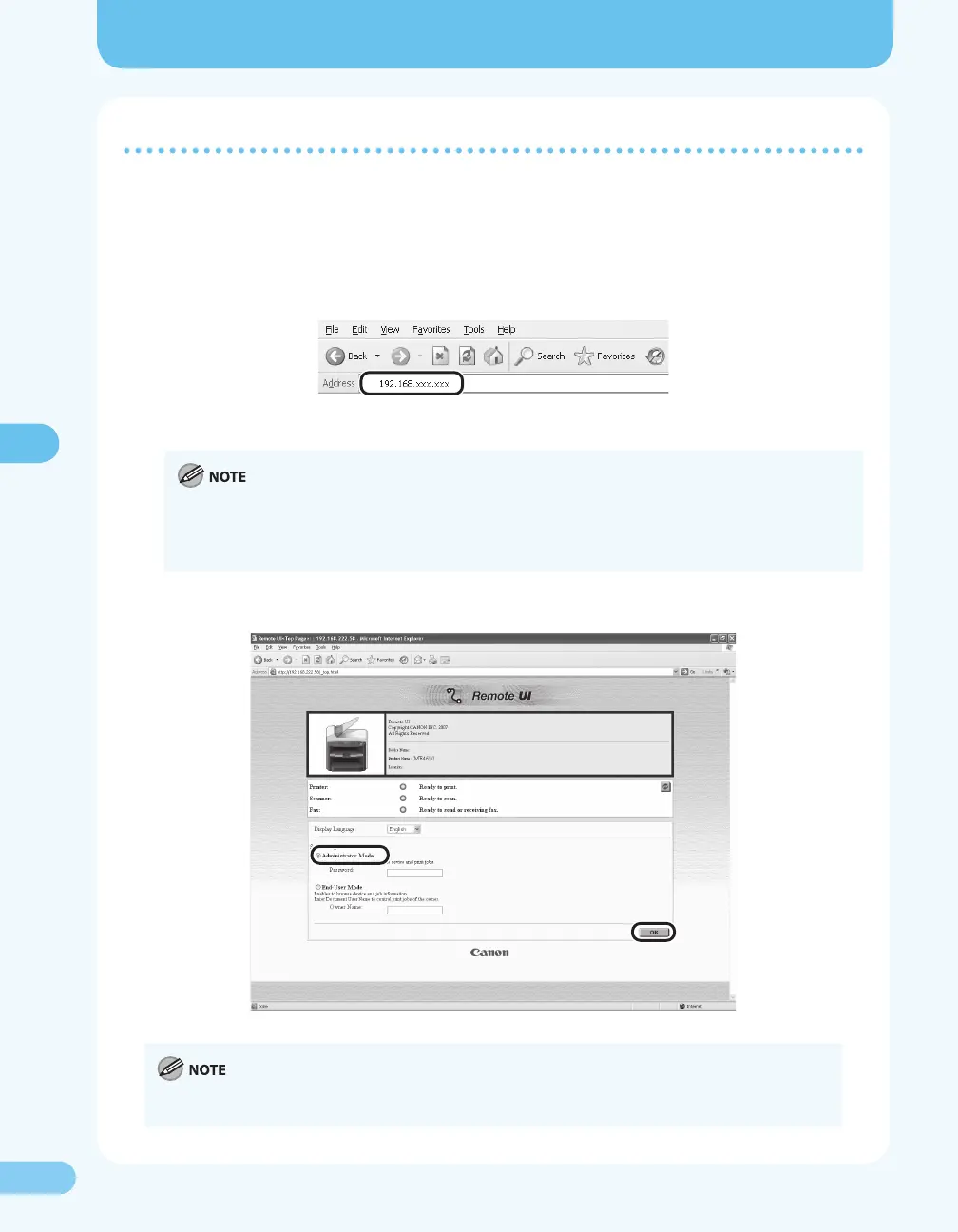
2. Enter the IP address you conrmed in “Checking the Communication,” (→ P. 14) in the address
bar, then press [Enter] on the keyboard.
The Remote UI screen appears.
When you enter the IP address in the address bar, remove leading and trailing zeros from the IP address you
conrmed in “Checking the Communication,” ( P. 14). However, replace “000” with “0.” Please see the
example below.
Ex) 192.168.000.008 192.168.0.8
3. Select [Administrator Mode]. Leave the [Password] eld blank. Click [OK].
If the department ID management or user ID management is used, you may need to enter a department ID
or user ID. For details, see Chapter 8, “System Manager Settings,” in the Reference Guide.










 To Next Page